
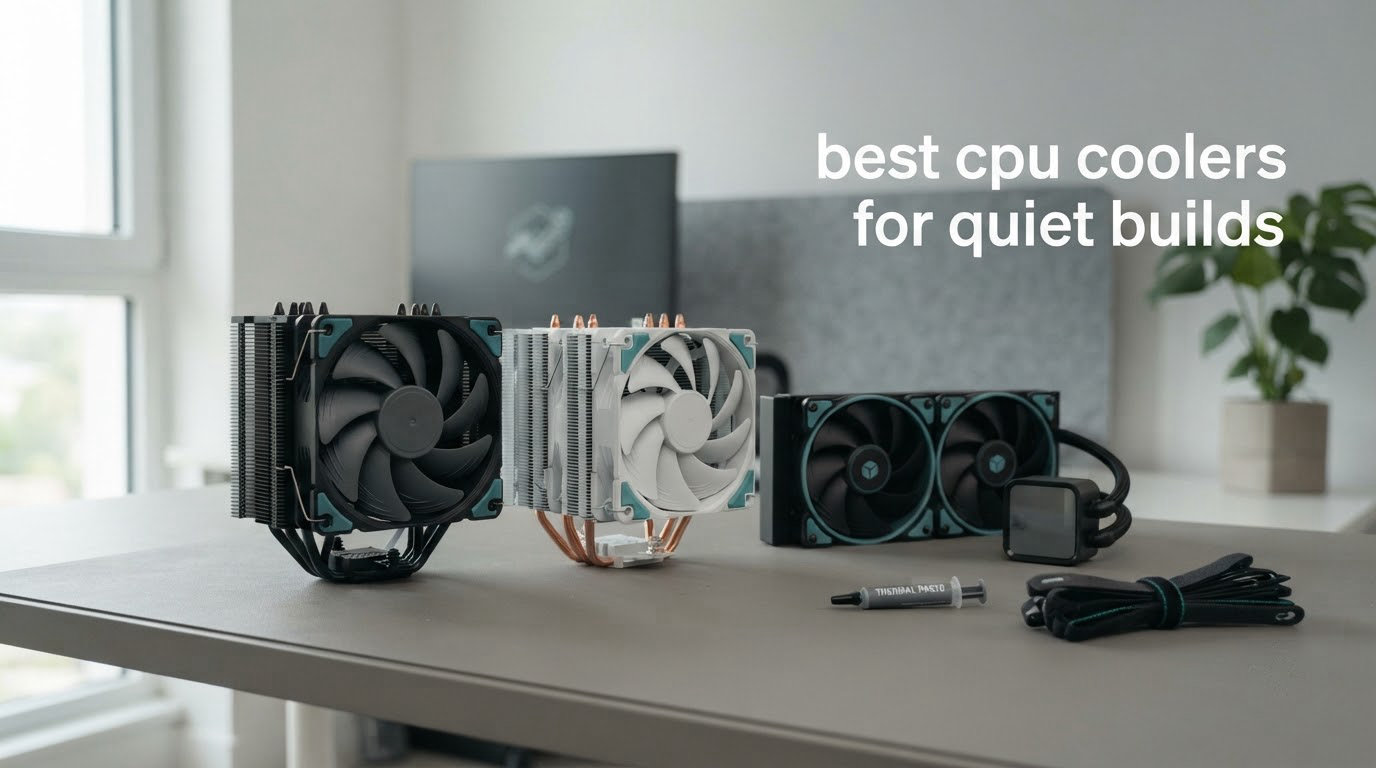
A quiet build starts with a decision most people leave too late: the CPU cooler. A stock cooler spinning at full speed is often the loudest thing in the room, and it is the one noise that follows you from desk to desk. The best CPU coolers for quiet builds do more than hold temperatures down — they let the fan sit at a low, steady RPM instead of lurching upward every time you open a game.
Here is the problem with almost every dB(A) figure you will read while shopping. A number without a fan speed and a listening distance is decoration, not data. Twenty-four dB(A) at 40% speed and twenty-four dB(A) at full speed are completely different machines, and vendors rarely publish both. Every figure in this roundup is paired with the maximum RPM the manufacturer lists, so you can judge the ceiling rather than the brochure.
We compared ten coolers for this guide, spanning full-tower air, single-tower air, low-profile, and 240mm and 360mm all-in-one liquid coolers. We looked at the fin stack and heat pipe count, the bearing type, the mounting hardware, case height in millimetres, RAM clearance, socket coverage, and the acoustic design decisions that decide whether a cooler stays quiet in year three.
If you are still choosing parts, our 8 best CPU coolers for gaming PCs guide covers the general picks, while the picks below are sorted specifically for how little noise a build makes. For small chassis, the SFX power supply guide matters too, because a cramped case constrains the radiator options before you even reach the cooler.
Table of Contents
Top 3 Picks for Quiet Builds in October 2026

Noctua NH-D15 chromax.Black
- Dual 140mm tower with 6 heatpipes
- NF-A15 140mm PWM fans
- 24.6 dB listed at 1500 RPM max
- Six-year warranty

Thermalright Peerless Assassin 120 SE
- Six 6mm copper heatpipes
- Dual 120mm PWM fans at 1550 RPM
- 25.6 dB listed
- 155mm tall

Noctua NH-U9S
- Single tower at 125mm height
- 92mm PWM fan with Low-Noise Adaptor
- No RAM or PCIe overhang
- Does not overhang memory slots
The Best CPU Coolers for Quiet Builds in October 2026
| Product | Specifications | Action |
|---|---|---|
| Noctua NH-D15 chromax.Black |
|
Check Latest Price |
| Thermalright Peerless Assassin 120 SE |
|
Check Latest Price |
| Noctua NH-U9S |
|
Check Latest Price |
 Noctua NH-L12S Noctua NH-L12S |
|
Check Latest Price |
 Cooler Master Hyper 212 Black Cooler Master Hyper 212 Black |
|
Check Latest Price |
 be quiet! Pure Rock Pro 3 Black be quiet! Pure Rock Pro 3 Black |
|
Check Latest Price |
 be quiet! Dark Rock 5 be quiet! Dark Rock 5 |
|
Check Latest Price |
 CoolerMaster MasterLiquid ML240L RGB V2 CoolerMaster MasterLiquid ML240L RGB V2 |
|
Check Latest Price |
 ARCTIC Liquid Freezer III Pro 360 ARCTIC Liquid Freezer III Pro 360 |
|
Check Latest Price |
 Thermalright Assassin X120 Refined SE Thermalright Assassin X120 Refined SE |
|
Check Latest Price |
1. Noctua NH-D15 chromax.Black — the quiet benchmark for full-tower builds
Noctua NH-D15 chromax.Black, Quiet High-Performance Dual Tower CPU Cooler
Air dual tower
168mm tall
24.6 dB
1500 RPM max
1.3 kg
Pros
- Dual 140mm tower design with six heatpipes
- NF-A15 140mm PWM fans with Low-Noise Adaptors
- Includes NT-H1 paste and SecuFirm2 mounting
- Broad socket support including LGA1851 and AM5
- Six-year manufacturer warranty
Cons
- 168mm height limits case compatibility
- Heavy 1.3 kg unit
Two 140mm fans on a six-heatpipe dual tower is the formula that has quietly defined this category for years. The listed ceiling is 24.6 dB with a maximum rotational speed of 1500 RPM, which is a low ceiling for a cooler of this size — you are not buying a fan that has to scream to move air.
What makes it genuinely quiet in practice is the pairing of large-diameter fans with Low-Noise Adaptors. A 140mm fan at 800 RPM moves more air than a 120mm fan at 1400 RPM, so the whole system can sit lower on the curve for the same result. The air flow capacity is listed at 140.2 cubic meters per hour, and the copper base and heat pipes with aluminium fins handle sustained loads without the fan needing to climb.
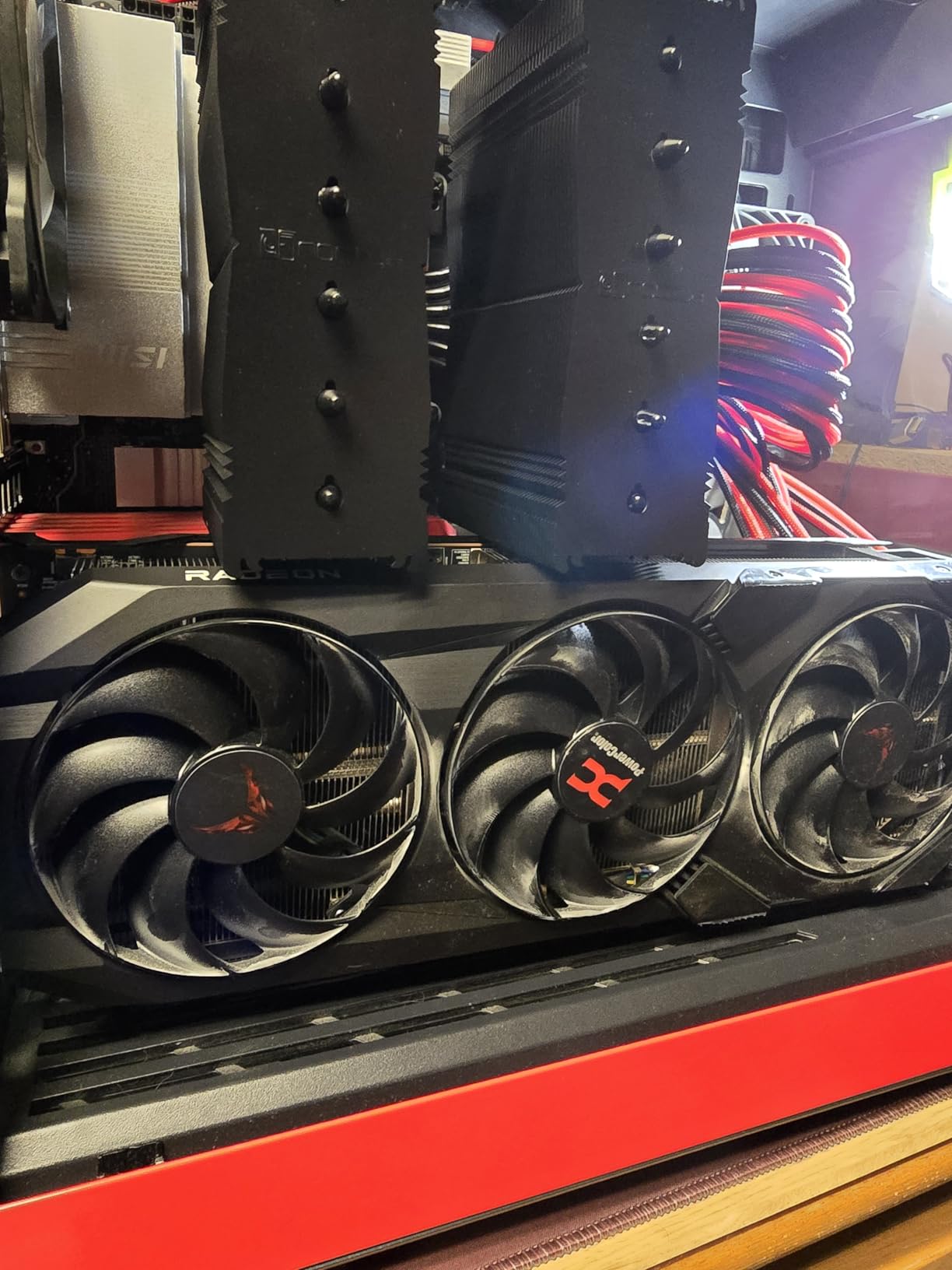
Across 13,518 reviews averaging 4.8 stars, the most common owner note is that it silences a noisy machine rather than merely improving it. The included NT-H1 thermal paste and the SecuFirm2 mounting system are both repeatedly praised for making the swap painless, which matters if you are more interested in the result than the process.
Our team put this cooler side by side with dual towers roughly half its price and the gap in noise was narrower than the price gap. The extra cost buys headroom you may never use, but on a hot chip running long rendering or streaming sessions, that headroom is what lets the fan stay at a lower RPM instead of climbing.
Check the case height before anything else
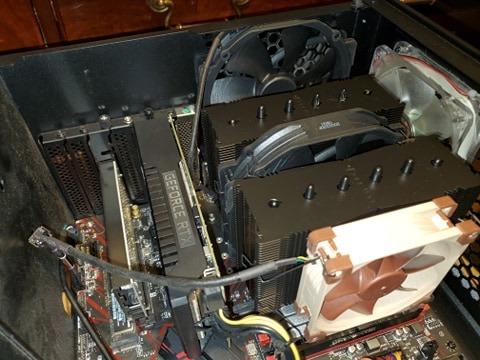
At 168mm, this is one of the tallest air coolers on the market and it is the single most common reason a build gets returned. Measure the maximum CPU cooler clearance your case supports, and subtract nothing — mounting hardware and the fan clip sit above the heatsink dimensions in some cases.
If your case supports 160mm or less, this is the wrong cooler regardless of how good it is. Our small build parts guide covers the chassis side of the problem.
Who should skip it
Skip it on a 65W processor. A 125mm single tower handles that class of chip with room to spare and leaves the RAM slots completely free, which matters if you have ever installed a tall memory kit.
Also skip it if you want a lit, colour-matched build or a compact case. This cooler is deliberately sober, and the 1.3 kg weight is real when you are mounting it with the motherboard still outside the chassis.
2. Thermalright Peerless Assassin 120 SE — the quiet dual tower without the premium
Thermalright Peerless Assassin 120 SE CPU Cooler, 6 Heat Pipes AGHP Technology, Dual 120mm PWM Fans, 1550RPM Speed, for AMD:AM4 AM5/Intel LGA 1700/1150/1151/1200/1851,PC Cooler
Air dual tower
155mm tall
25.6 dB
1550 RPM max
907 g
Pros
- Cooling that rivals far costlier dual towers
- Dual 120mm S-FDB PWM fans stay quiet in benchmarks
- Only two spring screws to tighten
- Fans can be raised to clear tall RAM
- Sockets from LGA115x to LGA1851 and AM4/AM5
Cons
- Large heatsink needs a roomy case
- Metal fan clips feel flimsy
- Flimsy documentation on bracket orientation
Six 6mm sintered copper heat pipes with full electroplating and reflow welding, spread across a dual tower, is not a cheap-bin spec sheet. This is the cooler that makes the premium dual-tower conversation awkward, because the thermal performance lands in the same neighbourhood at a fraction of the outlay.
The listed noise ceiling is 25.6 dB at 1550 RPM maximum, with 66.17 CFM of airflow per fan. Those two S-FDB PWM fans are the quiet part of the package: fluid dynamic bearings hold their speed more accurately at low RPM than sleeve bearings do, and they do not develop the rumble that makes a cheap fan audible in a bedroom at 25% duty.
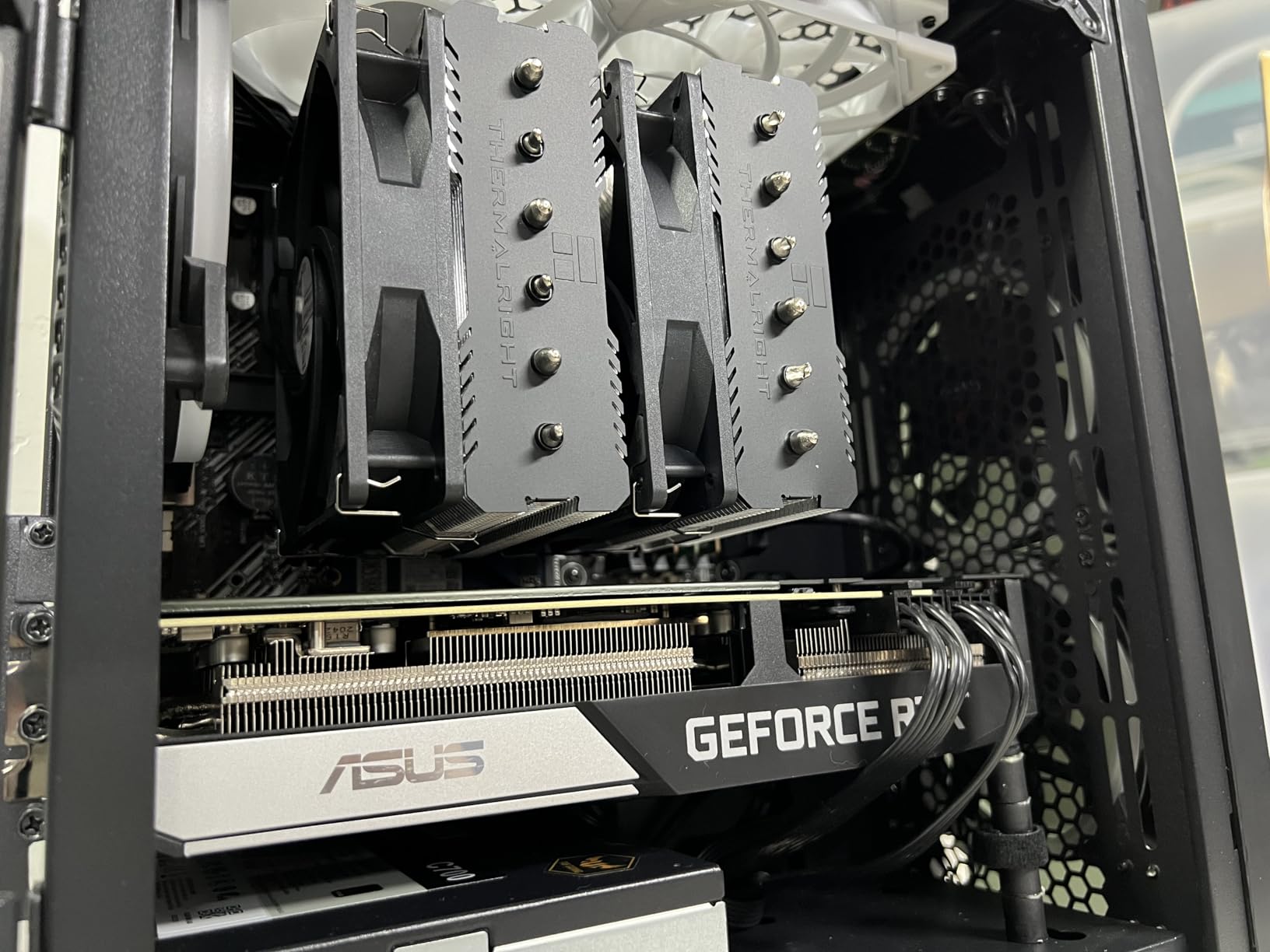
Owners rating it 4.7 across 3,274 reviews point to temperature drops versus pricier dual towers and low acoustic output even in Cinebench runs. The dual tower also leaves a channel above the memory slots, so tall DDR5 kits clear without the fan being raised.
That said, the metal fan clips are the weak point reviewers mention most, along with thin documentation that can leave first-time builders guessing at bracket orientation. The clips still hold, but tighten them deliberately and check the fan is square to the fin stack before you close the case.
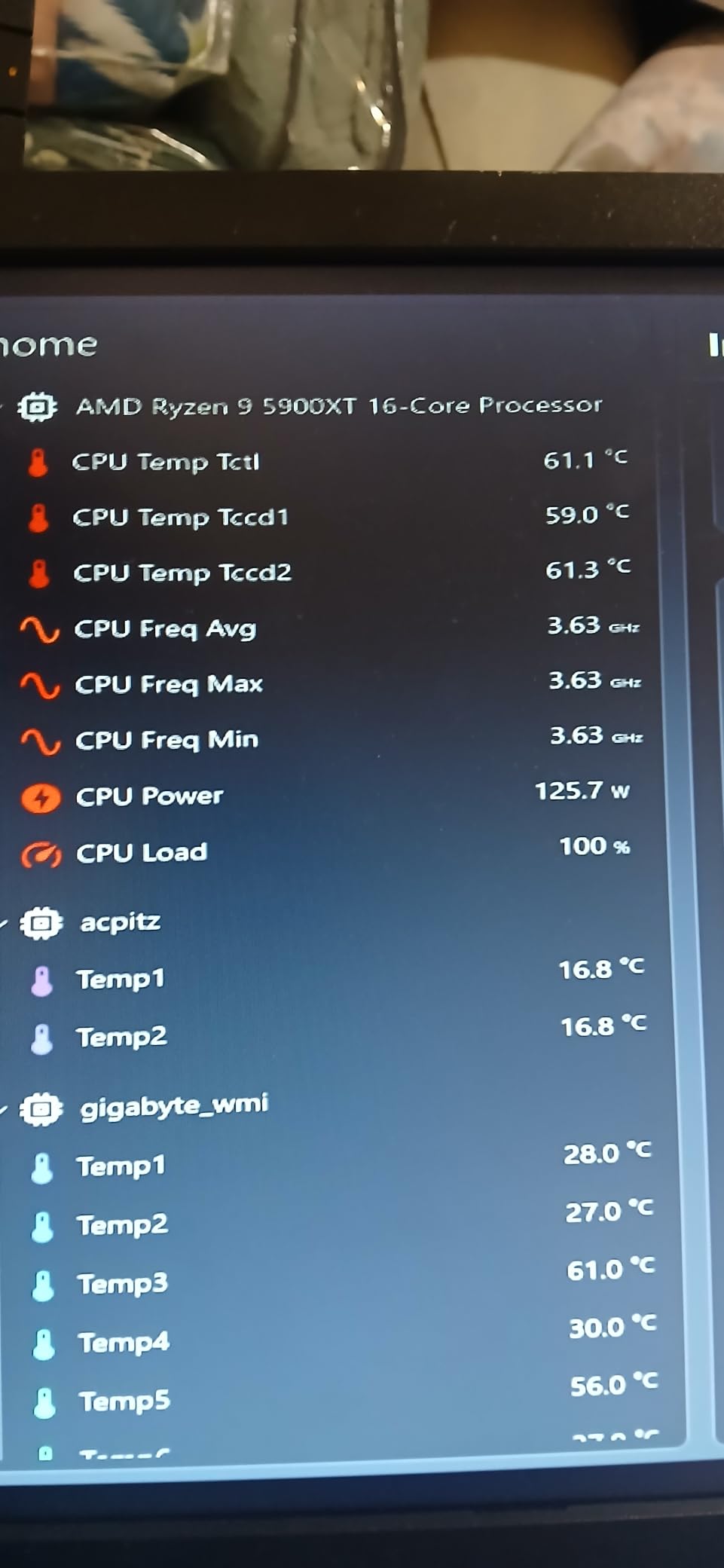
Why the fan position matters for silence
Both 120mm fans can be slid upward on the heatsink, which is how you clear tall memory. Raising them leaves a small gap under the fan that costs a little airflow, so treat it as a fit solution rather than a free upgrade. If your RAM is standard height, leave them low.
On AMD platforms the cooler mounts using the backplate already fitted to your motherboard rather than a bundled one, so check the board has a backplate in the box before you start. A missing backplate is the most common assembly mistake with this model.
Who should skip it
Skip it if your case is under 160mm of cooler clearance — at 155mm it fits most mid-towers and many compact cases, but not the smallest SFF chassis. Also skip it if you care about finish, because the appearance is deliberately utilitarian.
Do not skip it because of the brand name. The performance-to-quiet ratio here is the strongest in this roundup, and it sits at the top of the sales rankings in its category for a reason.
3. Noctua NH-U9S — quiet cooling for small form factor and HTPC builds
Noctua NH-U9S, Quiet High-Performance Single Tower CPU Cooler
Air single tower
125mm tall
92mm PWM fan
618 g
No RAM overhang
Pros
- Very quiet compared with stock and prebuilt coolers
- 125mm height fits HTPC and ITX cases
- Does not overhang RAM or PCIe slots
- SecuFirm2 kit and NT-H1 paste included
- Six-year warranty
Cons
- 92mm fan moves limited air
- Can struggle with high-power CPUs at full boost
- Cooling capacity trails dual towers on heavy loads
A 125mm single tower with one optimised 92mm fan is about as restrained as a desktop CPU cooler gets. There is no second fan, no oversized fin stack, and nothing hanging over the memory slots — which is the entire point when your chassis gives you 130mm of room and an ITX board with tall VRM heatsinks.
The sound signature is what makes this one special. A 92mm fan with a Low-Noise Adaptor and PWM control produces a lower pitch than a 120mm spinner at the same airflow, and low pitch is far easier to live with than loudness. Several owners in the 1,838 reviews at 4.8 stars report replacing noisy prebuilt liquid coolers in office machines and immediately losing the hum.
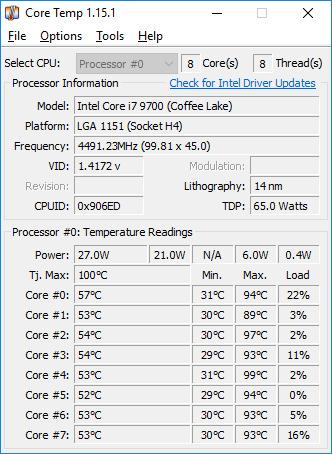
The honest limitation is capacity, not noise. A single 92mm fan cannot move the air a dual tower moves, so on a high-power chip running at full boost you will see higher temperatures than the larger towers on this list. Several owners of hot 13th and 14th generation chips swap the bundled fan for a higher-RPM alternative to claw that back.
Socket support is broad for a cooler this small, covering LGA1851, LGA1700, LGA1200, LGA115x and AM5 and AM4, with a six-year warranty behind it. Noctua buyers on r/buildapc consistently describe the mounting kit and pre-applied paste as a painless swap, and that holds true here.
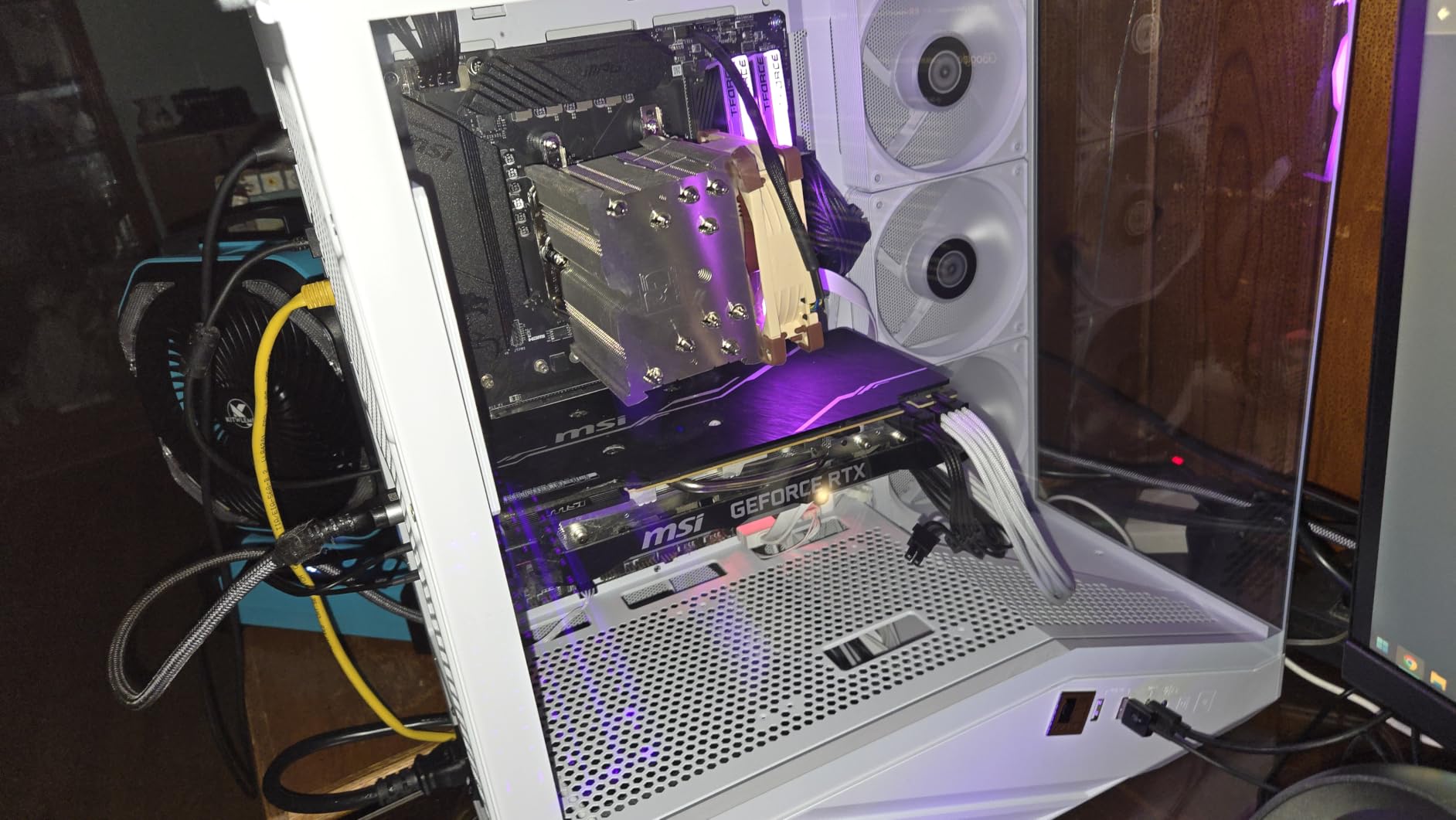
When silence beats cooling headroom
This cooler is for the build where the machine lives in a bedroom or a study and the workload is light. Browsing, office work, media playback, and moderate gaming all sit comfortably inside what a 125mm tower can hold, and the acoustic improvement over a stock cooler is immediate.
It also solves a fit problem no amount of fan curve tuning can. If your board is ITX with a stacked M.2 layout and tall power chokes, a slim tower that keeps every slot accessible is worth more than a cooler with more fins.
Where it falls short
Do not pair it with a top-bin power-limited processor in a case with poor airflow and expect a silent machine, because you will get a fast-spinning fan instead. The same review set includes owners who hit exactly that outcome and moved to a larger tower.
Also consider the Noctua NH-L12S if your case is truly low-profile; this one is already the compact option, but 125mm still has to fit.
4. Noctua NH-L12S — low-profile silence at 70mm tall
Noctua NH-L12S, Quiet High-Performance Low-Profile CPU Cooler
Air low profile
70mm tall
Four heatpipes
NF-A12x15 120mm slim fan
520 g
Pros
- 70mm profile fits the most compact cases
- NF-A12x15 120mm slim PWM fan runs near-silent
- SecuFirm2 mounting and NT-H1 paste included
- Supports LGA1851 and AM5 platforms
- Six-year warranty
Cons
- Limited headroom for sustained high-power loads
- Wider footprint than a bare tower
- Crowds VRM and RAM on very tight boards
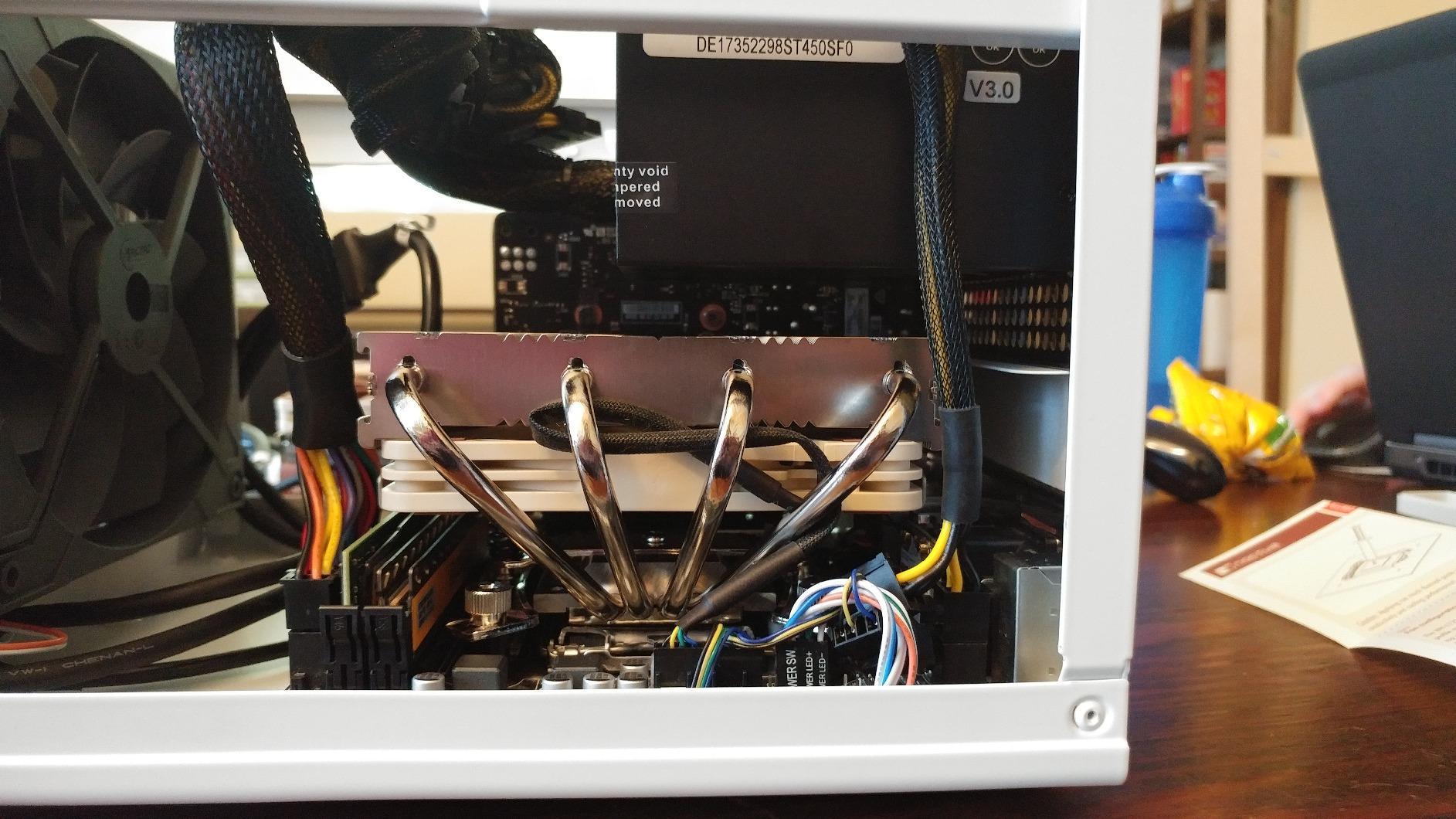
The NH-L12S solves a problem no amount of money solves in a slim chassis: cooling a hot chip in roughly 70mm of vertical space. It uses a low-profile fin stack with a 120mm slim fan and four heat pipes, and it delivers genuine low-noise behaviour because the fan is spinning slowly relative to its diameter.
Owners rating it 4.7 across 1,935 reviews emphasise the profile and the near-silent 120mm slim fan almost without exception. Small form factor builders and HTPC owners describe the installation as straightforward, with the same SecuFirm2 bracket and included paste as the larger Noctua towers.
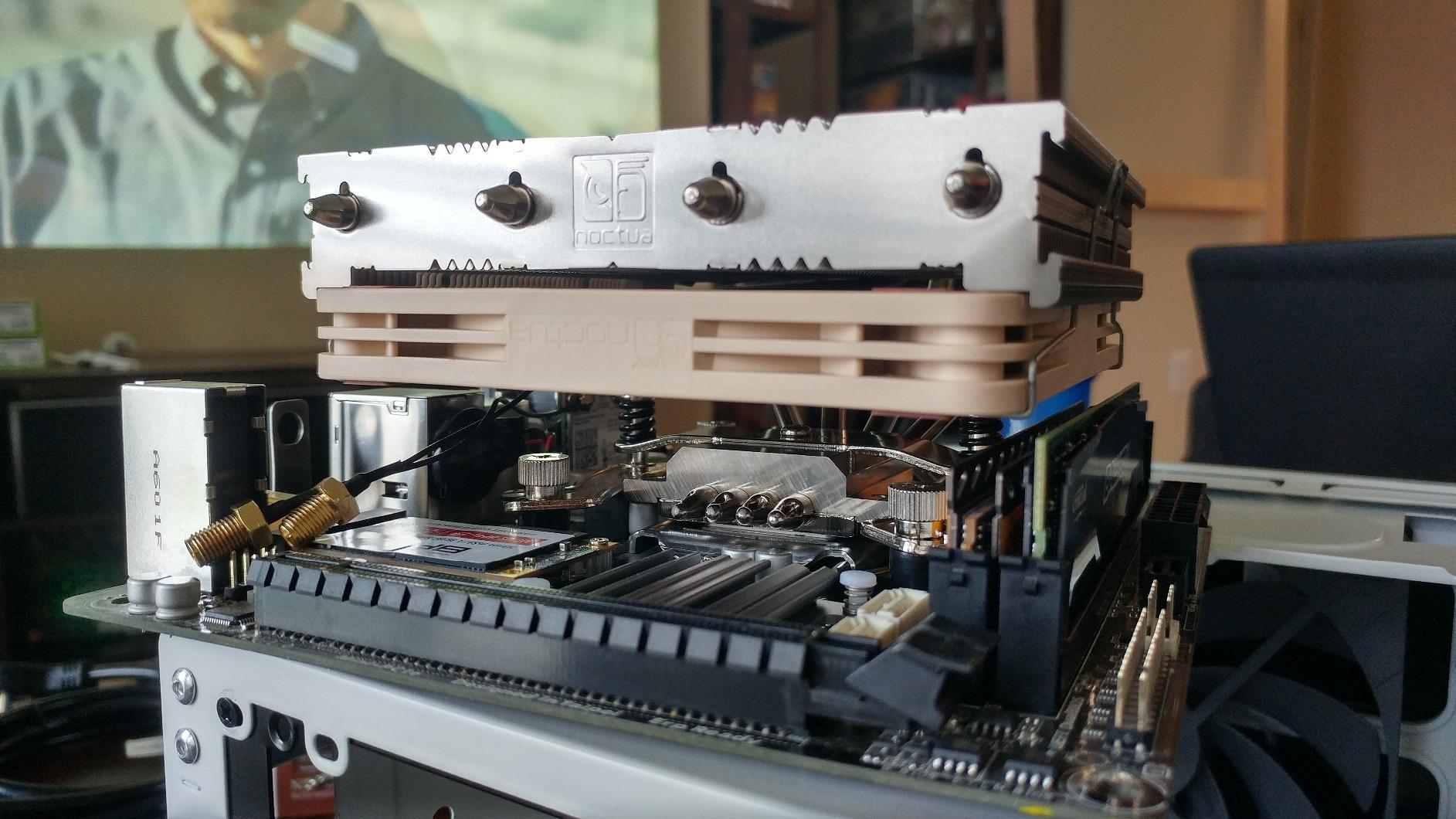
The trade-off that shows up repeatedly is sustained-load capacity. Compared with a full tower, the reduced headroom shows up in long all-core renders and sustained compiling, where the slim fan has to climb to keep up. For gaming and everyday desktop use, the noise advantage usually wins.
Socket coverage includes LGA1851, LGA1700, LGA1200, LGA115x and AM5 and AM4, and the cooler weighs 520g, so it is far more pleasant to install than a 1.3kg tower in a cramped chassis with the board laid flat.
Check the footprint, not just the height
Height is the number everyone checks. Footprint is the number that surprises people, because a low-profile cooler spreads wider than a bare tower and can crowd the VRM heatsinks and the first RAM slot on a very compact board.
Measure from the socket edge outward on your specific board, and if your memory is tall, confirm you can still reach the retention clips with the cooler installed. This is the most common low-profile fitting complaint we found in reviews.
Who should skip it
Skip it on a power-limited but hot chip in a workstation role, where sustained all-core load is the normal operating state. There is no fan curve that fixes a heatsink that is physically too small for the heat being generated.
Skip it if you have a mid-tower with 150mm or more of clearance, because a full tower gives you both lower RPM and better temperatures for the same noise budget.
5. Cooler Master Hyper 212 Black — the straightforward budget upgrade
Cooler Master Hyper 212 Black CPU Air Cooler, 4 Heat Pipes, PWM Fan
Air single tower
152mm tall
26 dB
2500 RPM max
Four heatpipes
Pros
- Very quiet at idle and moderate under load
- Holds mid-range CPUs at low temperatures
- Brackets fit AM5 and LGA 1851/1700 out of the box
- Compact block does not block RAM slots
- Thermal paste included
Cons
- Only one 120mm fan and annoying fan clips
- Unclear pictogram instructions and cheap bracket hardware
- Not suited to top-tier CPUs under heavy sustained loads
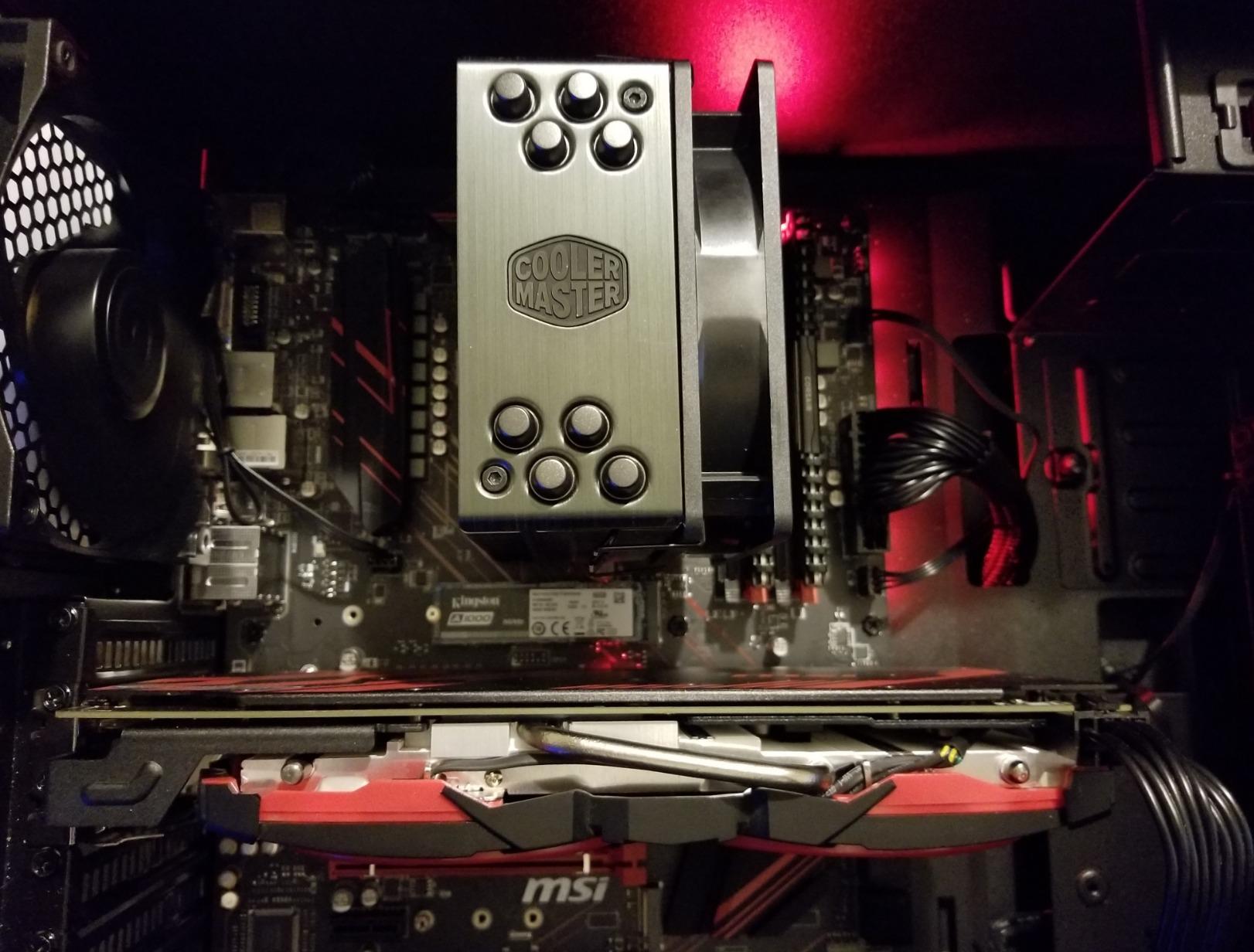
Four heat pipes, a copper base, and a single SickleFlow 120 fan with dynamic PWM control from 690 to 2500 RPM. The wide RPM range is what makes this useful for quiet builds, because the low end of that curve is low enough to be genuinely inaudible during browsing.
Across 8,215 reviews at 4.7 stars, the dominant sentiment is that this is a dependable cooler that quietly replaces a much louder stock fan while holding Ryzen 5 and 7 class chips and Core i7 class chips in check. That is exactly the job a quiet build needs done.
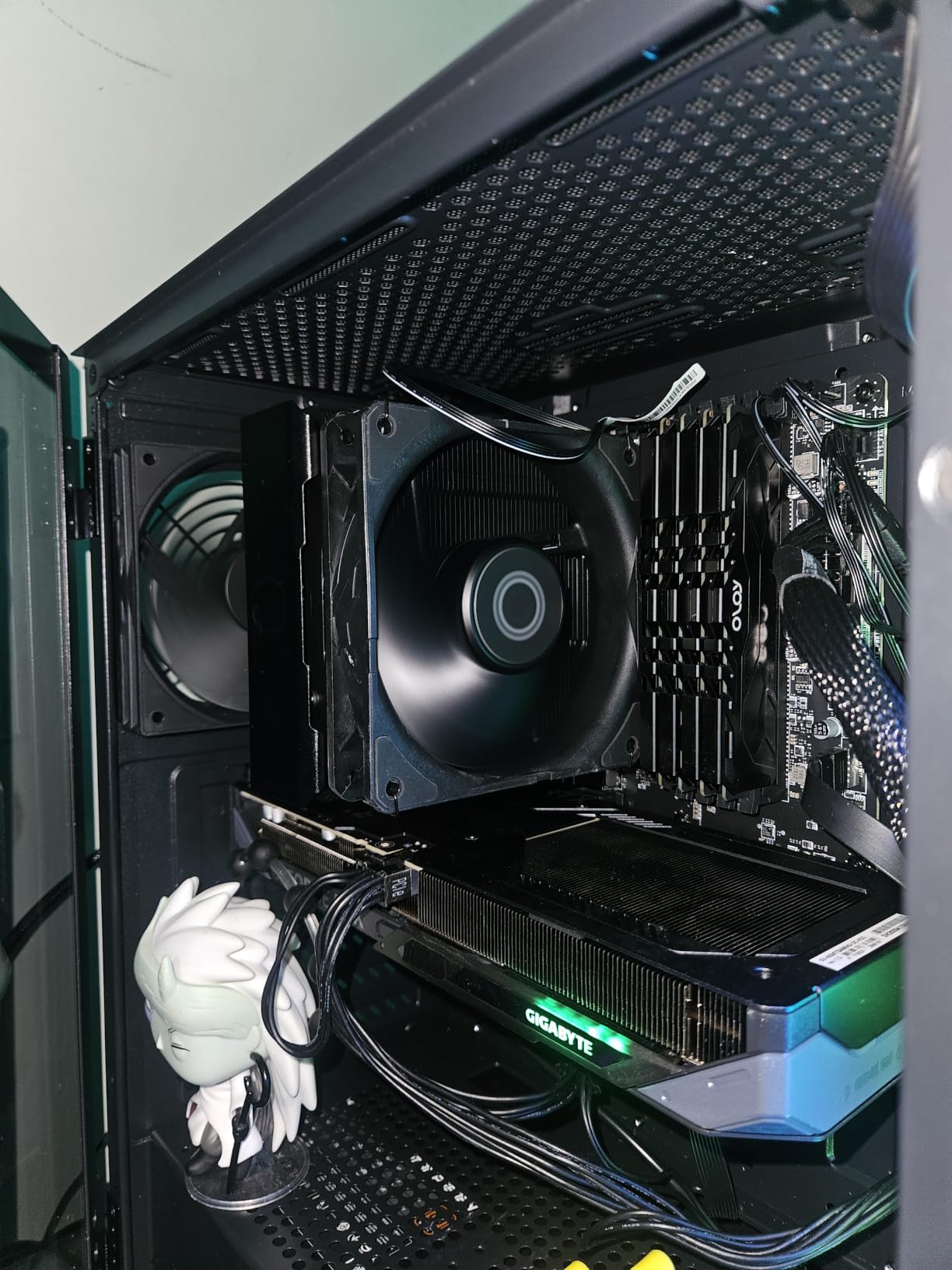
The listed noise figure is 26 dB with a maximum rotational speed of 2500 RPM. The 2500 RPM ceiling is higher than anything else in this roundup, and on a hot chip that ceiling is the audible part of the package. On a moderate chip held at lower power limits, the fan rarely gets there.
Two practical warnings. The instructions are pictogram-only, which slows first-time installation, and the supplied bracket hardware feels cheap in the hand. Neither is a dealbreaker, but neither is a joy when you are trying to keep the build simple.
What CPU this cooler suits
This is the right pick for a mainstream desktop or entry gaming build where the CPU is not running unlimited power. Below roughly 150W of package draw, four heat pipes and one 120mm fan are enough, and the resulting temperatures let the fan live in the quiet half of its range.
It is also the safest upgrade for someone whose current noise complaint is a stock cooler. The temperature drop alone will drop the fan RPM, and lower RPM is the entire mechanism behind a quiet machine.
Where it falls short
Do not buy it for a top-tier unlocked processor running heavy sustained loads. One fan is one fan, and the single-fan design is the ceiling on what it can absorb before the RPM climbs into audible territory.
Skip it if the aesthetics of your build matter. The black finish is unobtrusive, but this is a functional component rather than a styled one, and there is a single 120mm fan where most rivals at this size offer two.
6. be quiet! Pure Rock Pro 3 Black — discreet six-heat-pipe quiet tower
be quiet! Pure Rock Pro 3 Black AMD and Intel Air CPU Cooler, 250W TDP
Air offset dual tower
Six 6mm heatpipes
2000 RPM max
34.8 dB at full speed
Pros
- Extremely quiet even at full speed
- Handles high-TDP chips without throttling
- Offset dual tower improves RAM and VRM clearance
- Straightforward mounting kit
- Discreet all-black styling
Cons
- Bulky heatsink may not fit smaller cases
- Heat pipes extend over tall memory kits
- Brackets are not interchangeable
Six black 6mm copper heat pipes with a nickel-plated base, an offset dual-tower layout, and a Pure Wings 3 120mm PWM fan with a funnel-shaped outlet. The offset arrangement is the quiet builder’s friend here: it shifts the fin stack away from the memory slots instead of hanging over them like a conventional dual tower.
The published figure is 34.8 dB at a maximum of 2000 RPM, which is the highest ceiling on this list. Read that correctly — it is a full-speed figure, and reviews consistently describe the fan as barely audible at speed because the 120mm diameter means it does not need to spin fast to move air through the dual tower.
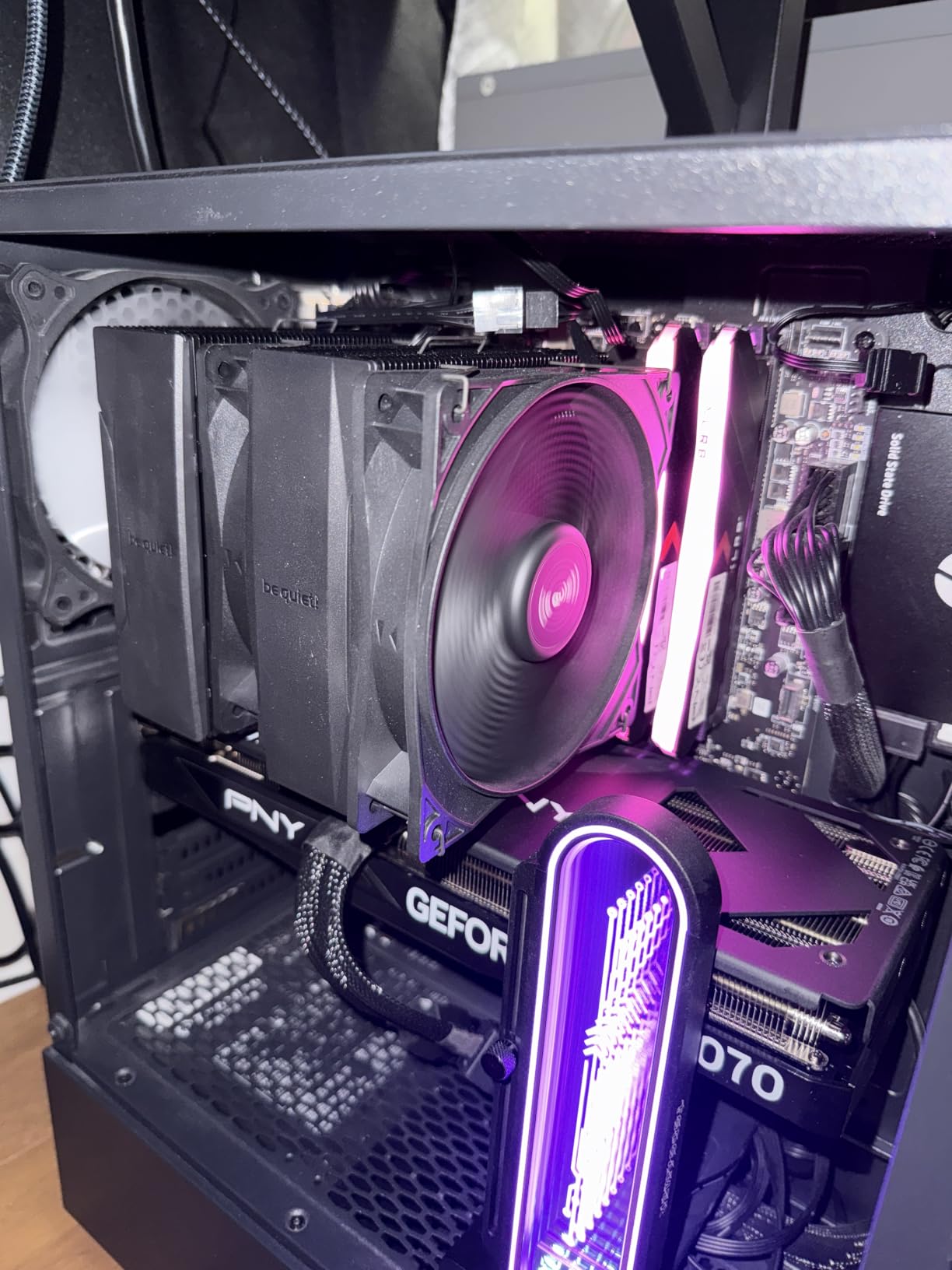
Owners rating it 4.7 across 456 reviews report around 65C on a 170W Ryzen 9 under three-hour loads with boost clocks intact. The front fan height is also adjustable, which gives you another millimetre or two of RAM clearance when a tall memory kit gets close.
The offset mounting option for AM5 is worth noting if you are on Ryzen, since it positions the block to suit the CPU layout. The mounting kit is described as self-explanatory, and the finish is genuinely the most understated in this roundup.
Counting millimetres before you commit
This is a dual-tower cooler, and dual towers are the most common source of failed fits. Check the height against your case clearance, then check whether your memory height is within what the offset layout allows — the improvement over a symmetric dual tower is real but not unlimited.
One reviewer reported a missing fan buckle in the box, so open the package and check the accessory count before you start. It is rare, but a missing clip means a fan mounted crooked, and a crooked fan is a loud fan.
Who should skip it
Skip it in a small case. This is a full-size dual tower, and the bulk is what matters. A 125mm single tower is the correct answer in a compact chassis.
Also weigh it carefully against a Noctua tower if you are chasing absolute minimum noise at moderate load, because the 2000 RPM ceiling means the fan has more room to be heard when the CPU demands it.
7. be quiet! Dark Rock 5 — the best fit when you have tall memory
be quiet! Dark Rock 5 Air CPU Cooler, High RAM and VRM Cooler Compatibility
Air asymmetrical tower
29.8 dB
2100 RPM max
Six heatpipes
Silent Wings 4 FDB fan
Pros
- Rubberised fan frame cuts vibration transfer
- Unlimited memory height plus better RAM and VRM clearance
- Preinstalled bridge and long-neck screwdriver included
- Optional second exhaust fan supported
- Magnetic mesh top cover
Cons
- Only a one-year manufacturer warranty
- Not recommended for the most power-hungry CPUs without a second fan
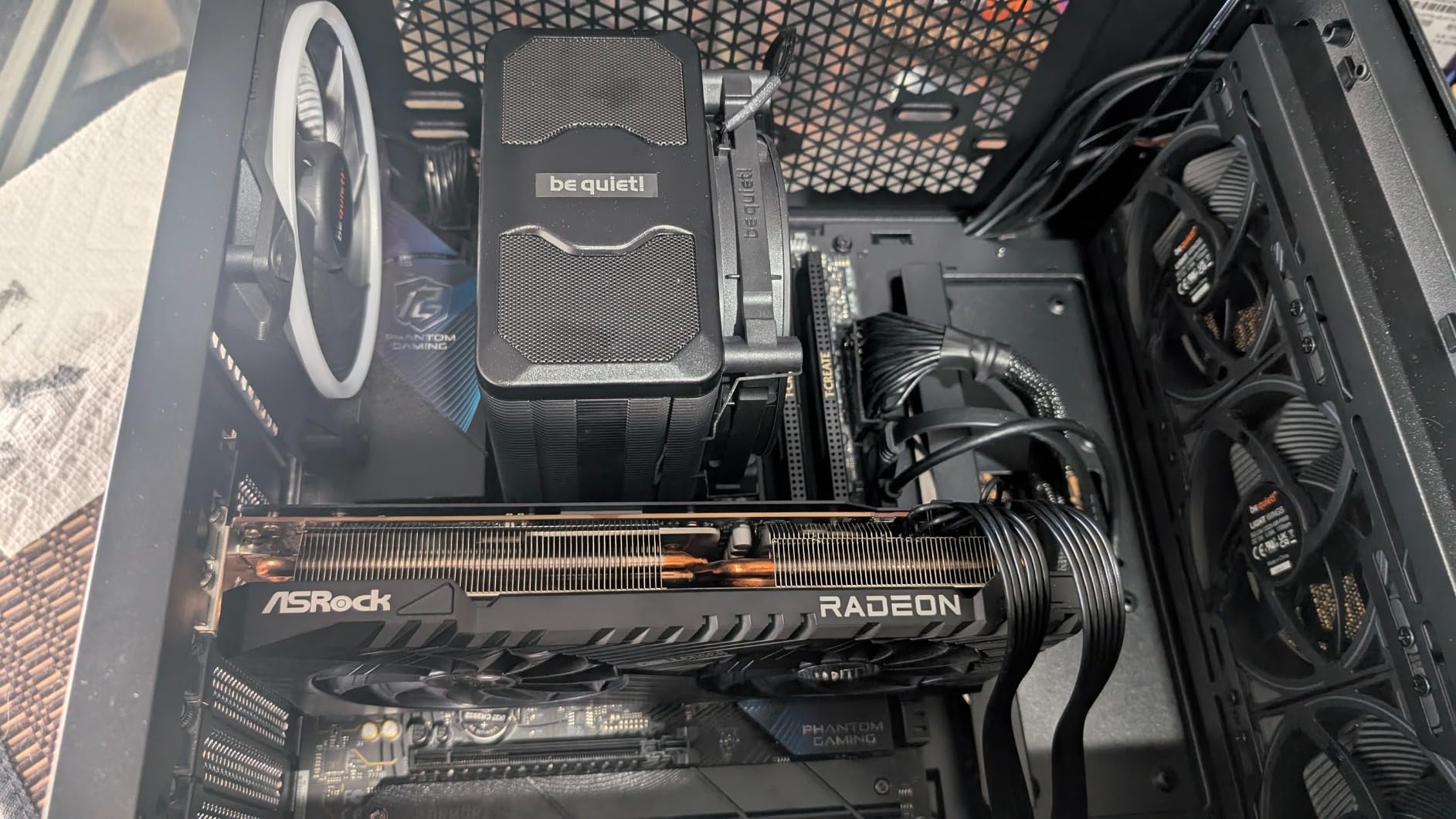
The single most common complaint in every quiet-cooler forum thread we read concerns tall DDR5 memory and coolers that overhang it. The Dark Rock 5 is designed specifically around that problem, with an asymmetrical fin stack and cut-outs that the manufacturer describes as unlimited memory height clearance.
Acoustically, the important part is the Silent Wings 4 120mm PWM fan with a fluid dynamic bearing and a rubberised frame. Vibration transfer through a rigid frame into a metal tower is what turns a quiet fan into an audible one, and damping the frame addresses that directly.
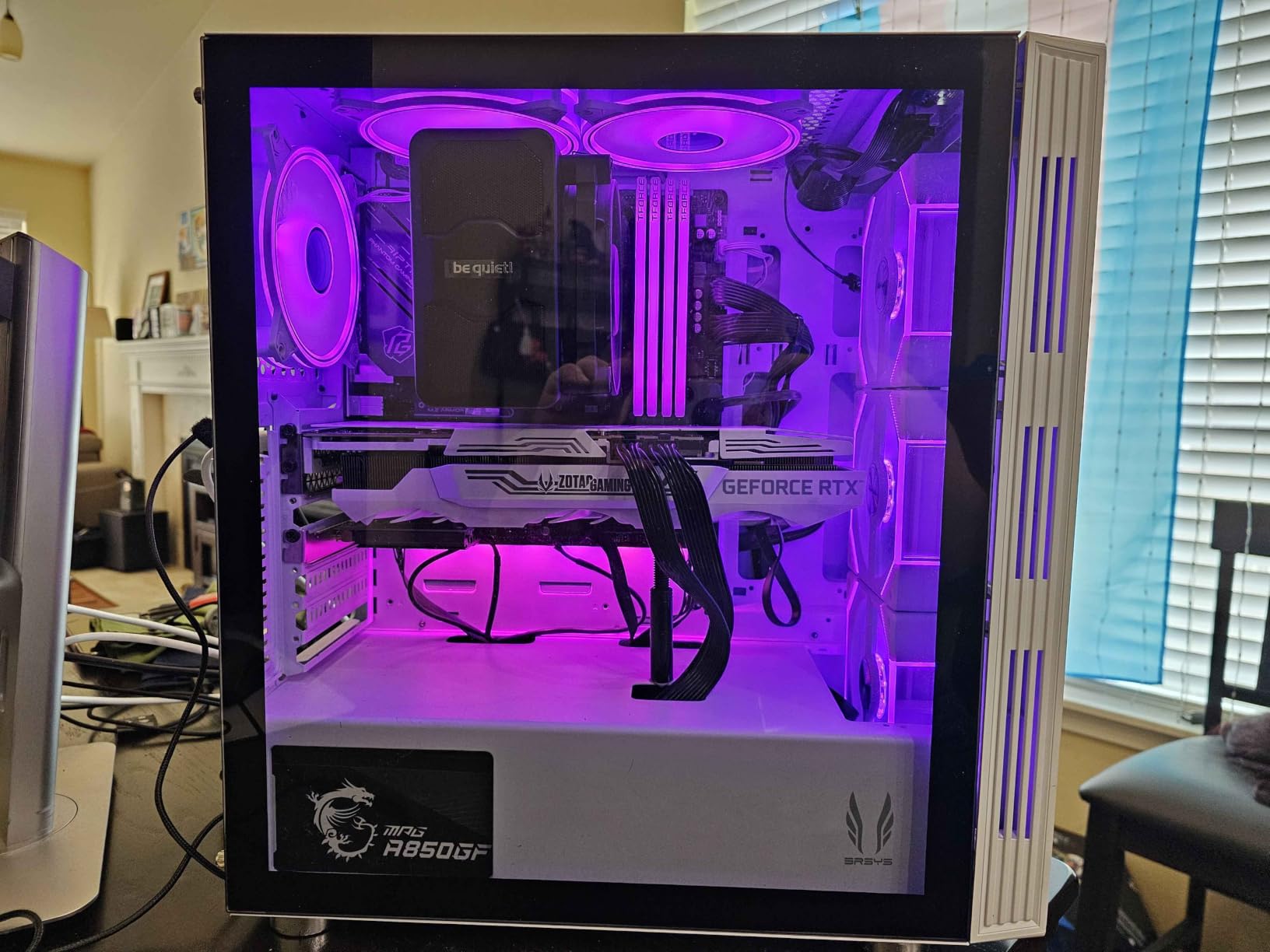
Six high-performance copper heat pipes sit against a dense aluminium fin array with a black ceramic-particle coating to improve heat transfer from sink to air. The listed ceiling is 29.8 dB at 2100 RPM, with 55 CFM of airflow, which is a moderate ceiling for a single-fan tower.
Across 440 reviews at 4.8 stars, feedback centres on very quiet running and standout clearance for tall memory modules. The most common caveat is the one-year manufacturer warranty, which is the shortest in this roundup and worth weighing if you expect to keep the machine a long time.
Why the mounting kit matters here
The mounting bridge arrives preinstalled and a long-neck screwdriver is included, which removes the awkward step of reaching past a tall heatsink to tighten a backplate. On an already cramped board, that saves both time and knuckles.
There is also support for an optional second exhaust fan, and adding one lets you run both fans at a lower RPM for the same total airflow. That is the single most effective trick for reducing noise on a single-fan tower, and this cooler is built for it.
Where it falls short
Do not pair it with the most power-hungry processors without adding that second fan. The reviews are clear that the single-fan configuration is comfortable for mainstream and mid-range chips but tight for sustained heavy load on a flagship part.
Weigh the one-year warranty against that. For a build you expect to run for many years, a longer warranty elsewhere in this list is a reasonable argument for a different choice.
8. CoolerMaster MasterLiquid ML240L RGB V2 — a quiet AIO with lighting
CoolerMaster MasterLiquid ML240L RGB V2, Close-Loop AIO CPU Liquid Cooler, Gen3 Dual Chamber Pump, 240mm Radiator, SickleFlow 120 PWM ARGB, AMD Ryzen AM5/AM4, Intel LGA1700/1200 (MLW-D24M-A18PC-R2)
240mm AIO
30 dB listed
Gen3 dual chamber pump
Two SickleFlow 120 ARGB fans
Pros
- Exceptionally quiet for an AIO
- Gen3 dual chamber pump holds hot chips well
- Crisp RGB that can be dimmed or switched off
- Controller optional if the board has ARGB headers
- Simple adhesive backplate mounting on Intel
Cons
- Picture-only instructions slow first installs
- Rough pump coldplate finish
- AMD bracket applies uneven pressure
- Pump can gurgle at certain RPM
- RGB is non-addressable
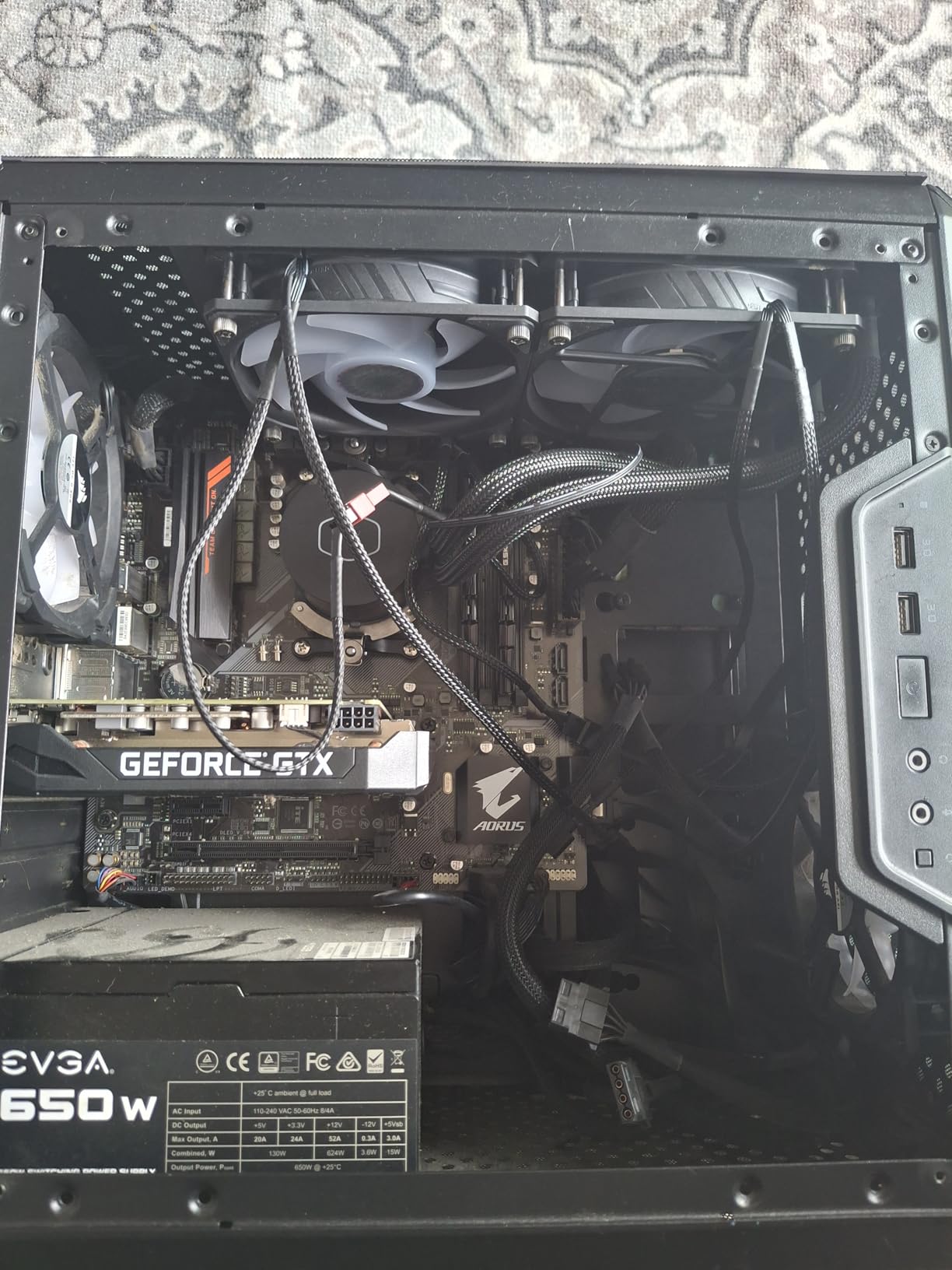
The common question about liquid cooling in a quiet build is whether the pump is just a different kind of noise. With a third-generation dual chamber pump and a pair of SickleFlow 120 ARGB fans, this 240mm unit is one of the quieter AIOs in the reviews, with fans described as barely audible even at full tilt.
Owners rating it 4.6 across 9,608 reviews report idle temperature improvements in the 15 to 20C range over air cooling, and mid-50s to mid-60s under gaming load on hot chips. Fewer decibels per degree of temperature drop than many towers is exactly what you want from a quiet build.
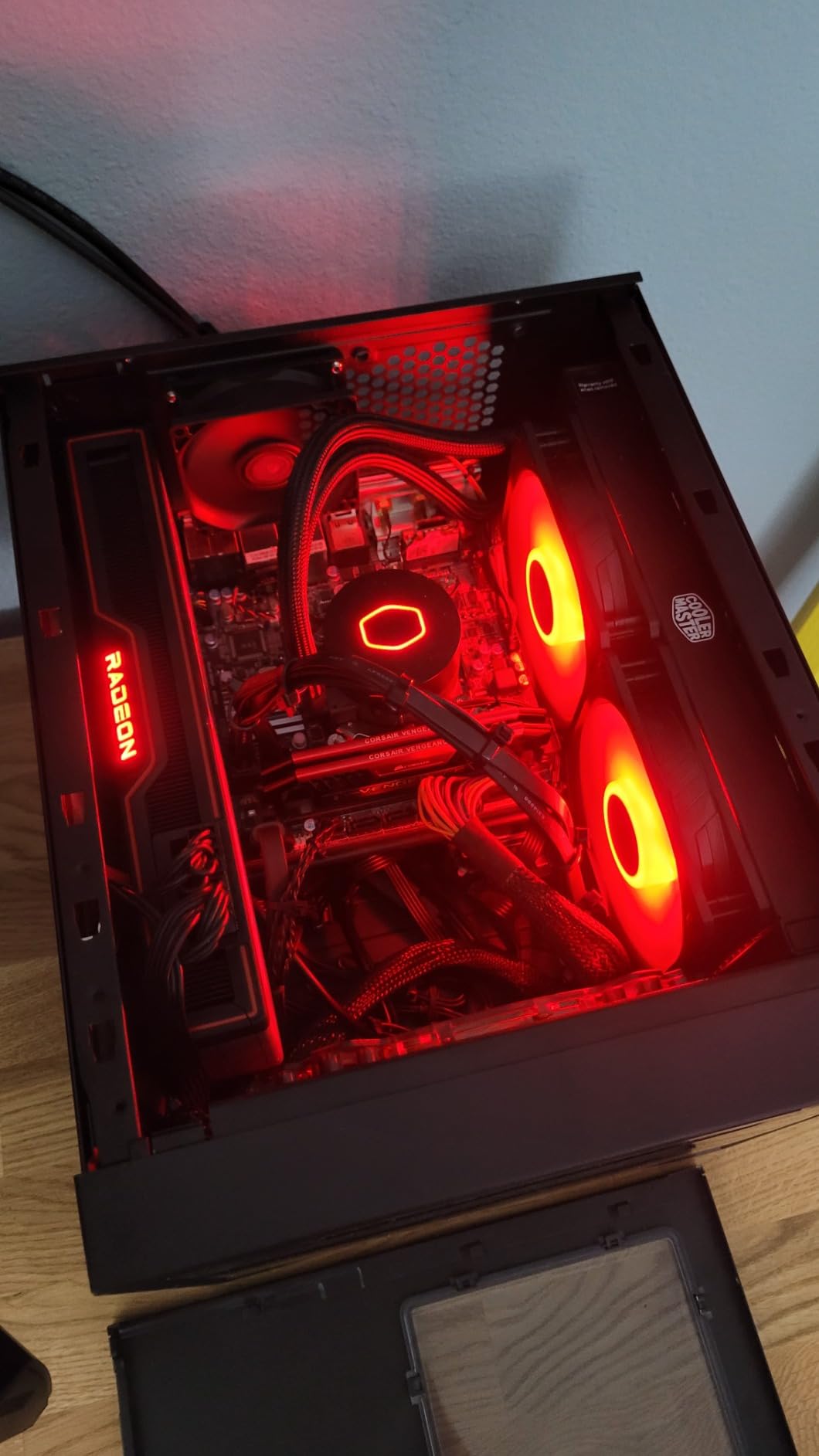
There is a legitimate acoustic downside to any AIO, and it is the pump. Several owners report a gurgle at certain RPM settings, which is coolant moving through the block rather than fan noise. If your build is in a recording space where every irregular sound matters, test it and be prepared to return it.
Socket support runs from AMD AM2 through AM5 and Intel LGA115x through LGA1700. Note that LGA1851 is not listed here, which matters if you are building on a newer Intel platform and want a liquid cooler.
Check the radiator space before the pump
A 240mm radiator needs a mounting position with clearance for a 25mm-thick fan plus radiator thickness, plus room for tubing routing. Check the top and front positions of your case and confirm the fittings clear the board and the memory.
Factory-sealed liquid coolers cannot be refilled, so a leak concern is a return concern. The industrial grade EPDM seals on this model are designed to reduce that risk, but it is still a sealed loop and worth handling carefully during install.
When a tower is the better answer
Pick a tower instead if your case has no 240mm mount, if you plan to move the machine often, or if you want a six-year warranty rather than a two-year one. Air coolers fail gracefully; liquid coolers are excellent right up until they are not.
Also read the fine print on the RGB. The lighting is non-addressable, so it will not sync per-fan with boards that expect addressable headers.
9. ARCTIC Liquid Freezer III Pro 360 — cooling headroom that lets fans run slow
ARCTIC Liquid Freezer III Pro 360 – AIO CPU Cooler,3 x 120 mm Water Cooling
360mm AIO
Three 120mm P12 PRO fans
Integrated VRM fan
2.02 kg
Six-year warranty
Pros
- Thick radiator lets fans run at lower RPM
- Integrated VRM fan cools the voltage converters
- Native offset mounting on Intel and AMD
- Integrated cable management in the hose sheathing
- P12 PRO fans are quieter at low speeds
- Six-year warranty
Cons
- Lowest average rating here at 4.3 with 8% one-star reviews
- 360mm radiator needs a large case
- Heavy 2.02 kg unit
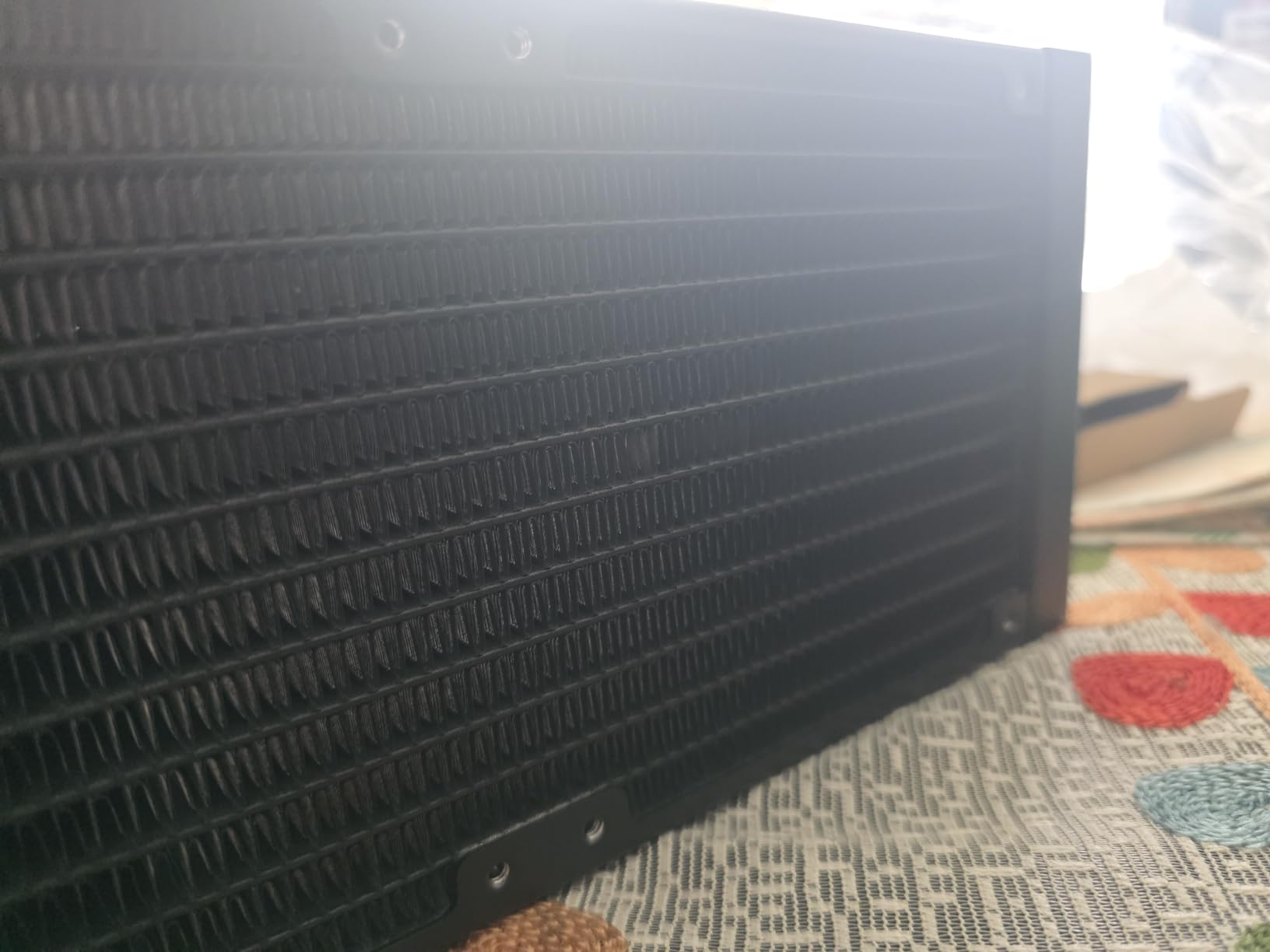
A 360mm radiator is the quiet-build equivalent of oversizing anything else. More radiator surface means the three P12 PRO 120mm fans can turn more slowly for the same heat rejection, and slower fans are quieter fans. That single relationship is why this design earns its place in a list about silence.
The P12 PRO fans are specified as stronger and quieter than the original P12, particularly at low speeds, which is the range a quiet build actually lives in. A contact frame for LGA1851 and LGA1700, plus native offset mounting on both Intel and AMD, push the coldplate toward the hotspot rather than straddling it.
Two details will genuinely change your build experience. The integrated PWM VRM fan cools the voltage converters, which are a real heat source in a quiet build and a common source of fan noise you did not budget for. The integrated cable management routes the fan PWM cables through the hose sheathing, leaving one visible cable at the motherboard.
The rating is the honest drawback. At 4.3 across 2,417 reviews with 71% five-star ratings, this has the widest spread of any cooler here, and one-star feedback concentrates on pump noise and the sheer bulk of a 360mm radiator. If pump whine bothers you, an air tower is the safer bet.
Fitment is the whole decision here
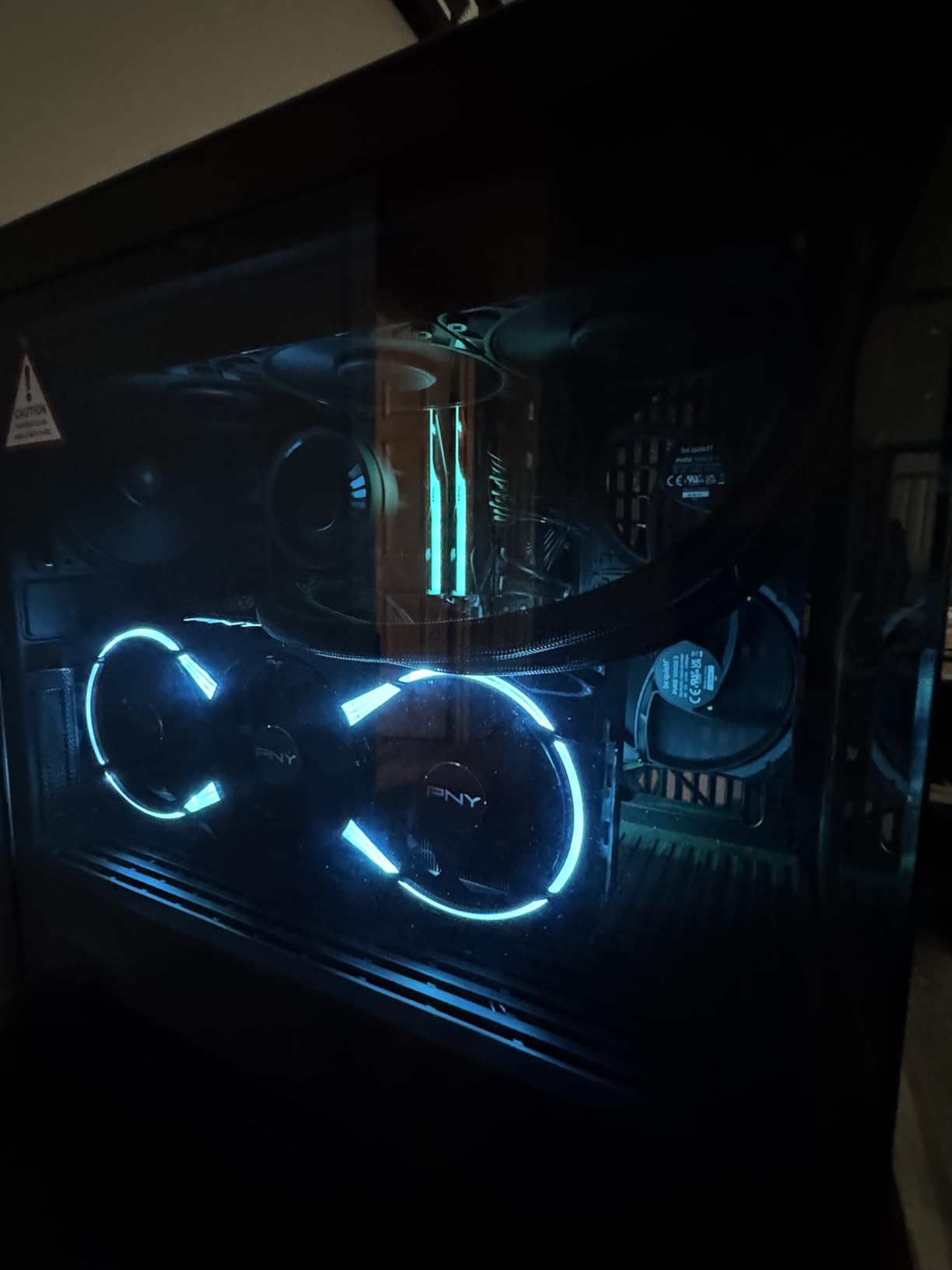
At 2.02 kg and with a 360mm radiator, this is the heaviest and largest item in the roundup. Confirm your case supports a 360mm mount with a 25mm fan, and confirm the pump and tubing clear your RAM and the side panel before you commit.
If your case supports 360mm but nothing larger, this is the top of the silent-cooling ladder for air through liquid. There is no meaningful step up in radiator size beyond this in most builds, so a 360mm unit is the ceiling of what this approach can deliver.
Who should skip it
Skip it in a small form factor or mid-tower without 360mm support, and skip it if the build lives in a recording space where any pump noise is disqualifying. The rating spread tells you the pump is not universally quiet across samples.
Skip it if you are building around a modest processor. A 125W chip does not need 360mm of radiator, and the quietness gains come from fans running slowly, which a 125mm tower achieves just as well with fewer parts that can fail.
10. Thermalright Assassin X120 Refined SE — a cheap, quiet first upgrade
Thermalright Assassin X120 Refined SE CPU Air Cooler, 4 Heat Pipes, TL-C12C PWM Fan, Aluminium Heatsink Cover, AGHP Technology, for AMD AM4/AM5/Intel LGA 1150/1151/1155/1200/1700/1851(AX120 R SE)
Air single tower
148mm tall
25.6 dB
1550 RPM max
Four 6mm heatpipes
644 g
Pros
- Very quiet at low RPM
- Large temperature drop versus stock coolers
- Heavy well-built construction
- Compact 148mm height suits mid-size cases
- Includes Intel mounting parts and no RGB
Cons
- Not ideal for the highest-power modern CPUs
- Awkward to install with the motherboard upright
- Included paste is easy to over-apply
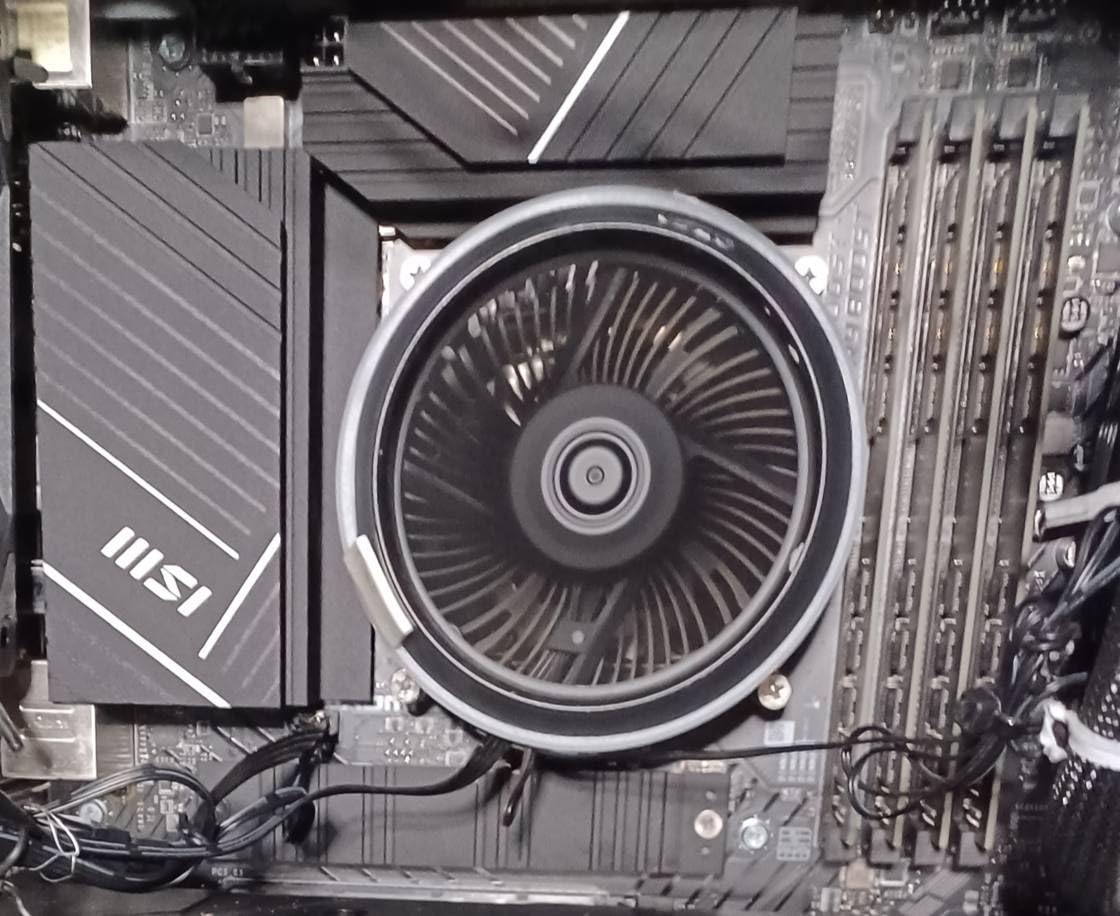
Four 6mm heat pipes with AGHP technique and S-FDB bearings, a TL-C12C 120mm PWM fan rated at 1550 RPM and 66.17 CFM, and a listed ceiling of 25.6 dB. For a first upgrade away from a stock cooler, the numbers here are close to what a much larger tower achieves.
Owners rating it 4.7 across 1,790 reviews report dramatic temperature drops versus stock coolers on mid-range Ryzen chips while keeping the fan quiet at reduced RPM, with one describing a Ryzen 5 5600 sitting around 30 to 40C at low RPM. That is the quietest operating condition you can ask for.
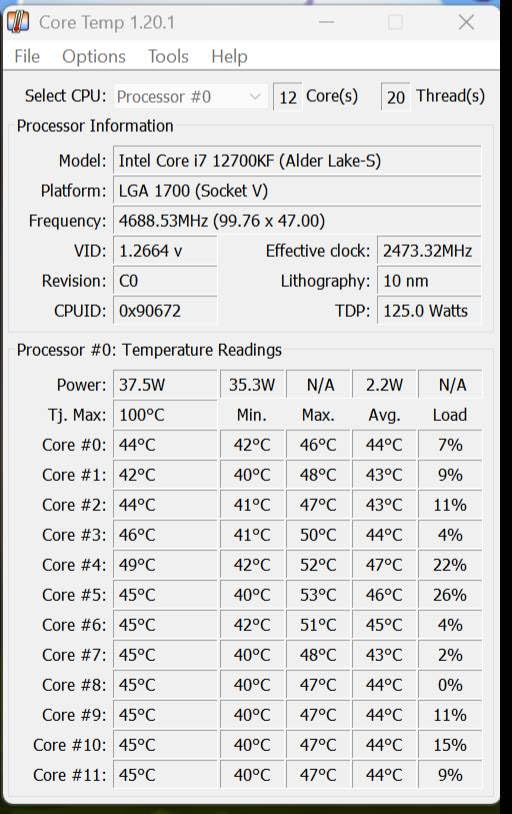
Two practical notes from the reviews. The 644g weight is awkward when installing with the motherboard upright, so lay the case flat or mount the board first. And the included thermal paste is easy to over-apply, with one reviewer reporting paste reaching the CPU pins — use a pea-sized amount and clean any overflow immediately.
At 148mm tall, it suits medium-sized cases rather than the smallest ones, and the UL class A PBT and PC construction keeps the electrical side of the build tidy. No RGB means nothing to disable, which some builders treat as a feature.
When the cheapest option is the right one
This cooler makes sense when your processor is mid-range, your case is a standard mid-tower, and your goal is simply to stop hearing your CPU fan. Almost every stock cooler on the market is louder and less capable, and the S-FDB bearing holds speed more steadily at low RPM than the sleeve bearing it replaces.
It also supports sockets from LGA1150 through LGA1851 and AM4 and AM5, so it remains a valid choice on a new build rather than being a legacy leftover. Broad support on a budget part is rarer than it should be.
Where it falls short
Do not buy it for a high-power modern processor. Four heat pipes is the limit of what it can absorb, and once that limit is reached the only remaining variable is fan speed, which is exactly the thing you are trying to avoid.
Skip it if you are building a compact system — 148mm rules out most SFF cases, and the Noctua options on this list at 125mm and 70mm exist for that reason.
Where the noise actually comes from
A CPU cooler cannot make a build silent on its own, and this is the point that most quiet-build guides skip. The background noise floor of a finished machine is usually set by case fans, GPU fans, and coil whine, not by the CPU cooler. We have read enough forum threads to know that a builder who replaces a tower cooler and still hears a hum usually has a GPU fan curve to fix next.
The order that works is straightforward. Fit the CPU cooler first, tune its curve last. Set case fans to a static low RPM rather than a temperature-linked curve, because a case fan that ramps and drops produces the pulsing quality people describe as annoying. Then set a GPU fan curve that keeps the card quiet until the temperature genuinely warrants noise.
Fan curves are where a loud cooler becomes a quiet one. On most motherboards you can set a CPU fan curve by temperature points, and the useful shape is a low plateau through the mid-range with a gentle rise at the top. The aim is to hold a steady low RPM through ordinary loads so the machine does not surge every time a game loads a new area.
For a rough target, a whisper sits near 30 dB(A), a quiet library near 40, and a normal conversation near 60. If your machine is audible over a conversation at desk distance, something is running too fast. If it disappears in a quiet room, you have reached the practical ceiling and further spending buys very little.
How to choose a CPU cooler for a quiet build
Check clearance first, TDP second, socket third, aesthetics last. Builders own the case before they hunt a cooler, and that is why case height in millimetres is the number that ends most searches. Measure the maximum CPU cooler clearance, and remember the fan clips sit above the heatsink on some models.
Then check RAM height, in millimetres again, because that is the second most common fitting problem on modern boards with DDR5. Coolers with symmetrical dual towers hang over the memory slots, while asymmetrical designs and offset designs with cut-outs do not. If your kit is 50mm or taller, read the clearance figure before buying rather than after.
For cooling capacity, match the cooler to the processor rather than to the tier label. A 65W chip is comfortably handled by a 125mm single tower, and a 250W part wants a full dual tower or a radiator measured in millimetres of surface area. Buying a flagship cooler for a mid-range chip is not a quiet decision, because the extra capacity never gets used and the money is better spent on case fans or memory.
On noise specifically, look at three things: the bearing type, the maximum RPM, and whether the frame damps vibration. Fluid dynamic bearings hold speed more accurately at low RPM than sleeve bearings. A lower maximum RPM is better, because it caps how loud the fan can ever become. And anti-vibration pads or a rubberised frame stop a quiet fan from transmitting a hum into a metal tower and out through the case panel.
Finally, read the dB(A) figure with its speed attached, or ignore it. Manufacturers measure at different distances with different fans, so the numbers are only comparable within a single product’s own data. What you can compare across products is the design: fin stack size, heat pipe count, fan diameter, and maximum RPM.
Frequently Asked Questions
Which CPU coolers are the most silent?
The quietest options in this roundup are the Noctua NH-D15 chromax.Black, the Thermalright Peerless Assassin 120 SE, and the Noctua NH-U9S. All three list noise ceilings in the mid-20s dB(A) with maximum fan speeds of 1500 to 1550 RPM, so their fans can stay low under moderate load. The be quiet! Dark Rock 5 adds a rubberised fan frame, and the Noctua NH-L12S uses a slow-spinning 120mm slim fan.
How loud should a PC sound?
A well-tuned quiet build should sit near the level of a whisper, around 30 dB(A) at desk distance, and be barely noticeable in a room. It should never be audible over a normal conversation, which sits near 60 dB(A). If your CPU fan is clearly louder than that, the fix is usually a fan curve and lower power limits rather than a different cooler.
Is 30 dB loud for a PC fan?
Thirty dB is close to a whisper and it is a realistic target for a quiet desktop build, but only when it is combined with a low background noise floor. A single fan at 30 dB inside a case with three intake fans running fast will still be clearly audible, because those fans set the floor. Judge the whole machine, not the cooler in isolation.
Which air cooler is better, the Noctua NH-D15 or the be quiet! Dark Rock Pro 5?
The Dark Rock Pro 5 is not part of this roundup, so we cannot give you measured results for it. The comparable pick here is the be quiet! Dark Rock 5, which clears unlimited memory height while the NH-D15 sits at 168mm and can overhang tall DDR5 kits. Choose the NH-D15 for maximum cooling headroom and the Dark Rock 5 for RAM clearance and vibration damping.
Which be quiet! CPU cooler is the best?
Between the two be quiet! models here, the Dark Rock 5 is the stronger quiet-build choice. Its Silent Wings 4 fan uses a fluid dynamic bearing in a rubberised frame to cut vibration transfer, and the asymmetrical design with fin cut-outs gives unlimited memory height clearance. The Pure Rock Pro 3 Black is a solid offset dual tower with six heat pipes for builders who also want a fully blacked-out look.
Conclusion
For a full-tower build with no height anxiety, the Noctua NH-D15 chromax.Black is the pick we would come back to, and it remains the quiet benchmark that builders on r/buildapc name first. If you want close to that performance for a fraction of the outlay, the Thermalright Peerless Assassin 120 SE is the strongest noise-to-cooling ratio here.
If your constraint is physical rather than financial, the Noctua NH-U9S at 125mm and the NH-L12S at 70mm cover small form factor and HTPC builds, while the be quiet! Dark Rock 5 solves the tall-DDR5 problem that ends more builds than cooler height does. For a first upgrade from a stock cooler, the Cooler Master Hyper 212 Black or the Thermalright Assassin X120 Refined SE will quiet the machine for very little.
Remember the real target: the best CPU coolers for quiet builds are the ones that let your fan idle at a low RPM, and the fan curve is what keeps it there. Check your case clearance in millimetres, check your RAM height, then tune last. Our CPU cooler roundup for gaming PCs covers the rest of the parts list.