
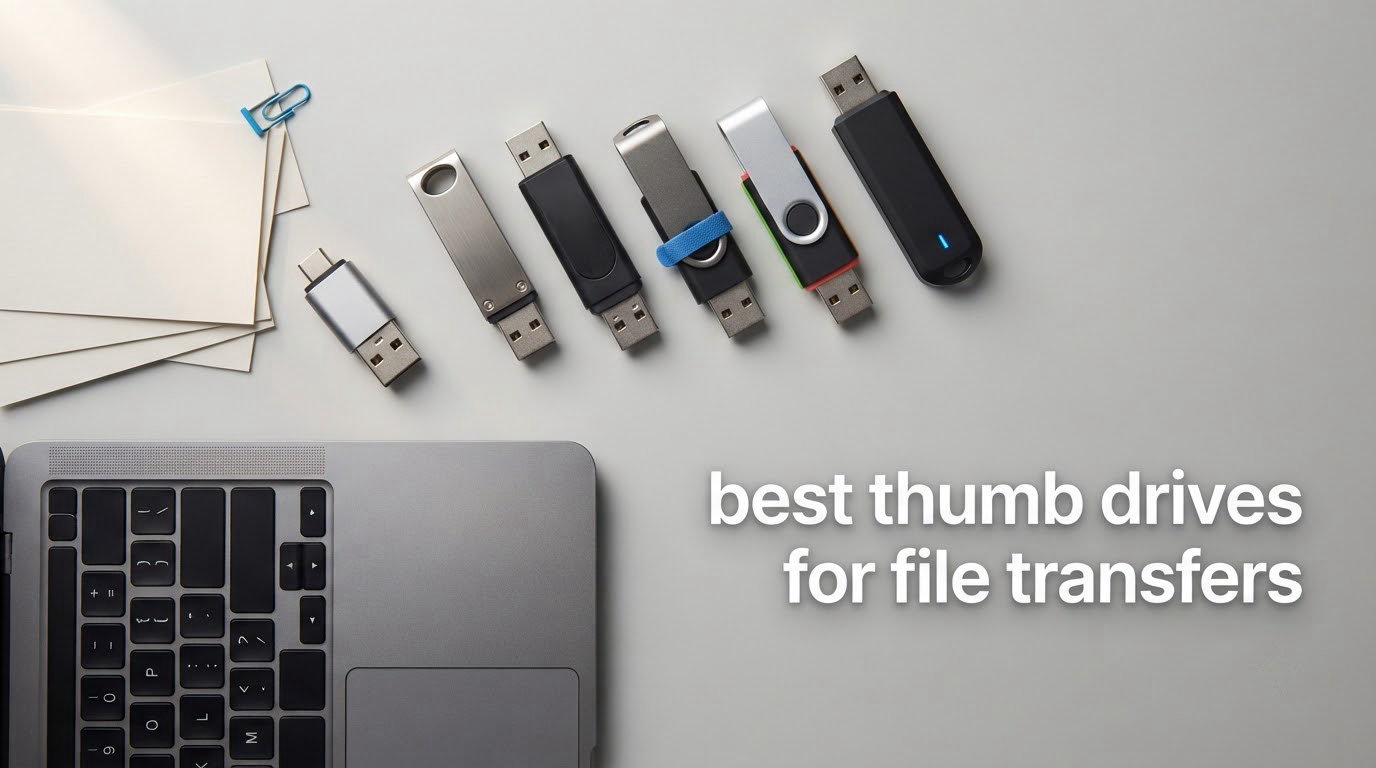
A thumb drive is a pocket-sized, bus-powered flash memory device that plugs into a USB-A or USB-C port so you can move files between machines with no network, no cable and no account. Thumb drive, USB flash drive, USB stick and pen drive all describe the same object, and the naming changes with the person saying it rather than the hardware inside.
When we rank the best thumb drives for file transfers, only three things decide which one you should buy: sustained write speed, honest capacity, and a connector that matches the machine you are moving files to. The peak read speed printed on the box is close to irrelevant, because a 100GB copy runs at write speed for most of its life.
We compared 12 drives across the whole price range and put them through the same questions: how fast do they actually write, what filesystem do they ship with, do they carry a warranty you can lean on, and will the connector fit the device you are handing files to. Prices move constantly, so every pick below links straight to the current listing rather than quoting a figure that will be stale by the time you read this.
We earn a commission when you buy through links on this page, at no extra cost to you. That never changes which drives we rank or what we say about them.
Table of Contents
Flash drive vs thumb drive: what is the difference?
There is no technical difference. A flash drive describes what is inside it (NAND flash memory with a small controller), a thumb drive describes its size and shape, a USB stick is the same word with a different accent, and a pen drive comes from a time when these things were carried in a pocket like a pen. Retailers and brands mix all four on the same listing page, so searching one term and reading the other is normal.
The terms that do carry meaning are the interface and the file system. USB 3.2 Gen 1 (often still labelled USB 3.0) runs at 5 Gbps of theoretical bandwidth, while USB 3.2 Gen 2 runs at 10 Gbps. The file system matters just as much in practice: FAT32 will not hold a single file over 4GB, and exFAT is the format that works on both Windows and macOS for large files.
Top 3 Picks for File Transfers in October 2026
Best Thumb Drives for File Transfers in October 2026
The table below is the short version of the whole roundup. Every drive listed here is USB 3.0 or faster, which means you can move a full day’s work across a desk without waiting, and every one is covered in detail further down the page.
1. SanDisk Ultra Flair 128GB – the balanced all-rounder for everyday transfers

SANDISK 128GB Ultra Flair, USB-A Flash Drive, Up to 150MB/s Read Speeds
128GB capacity
USB 3.0 interface
Up to 150MB/s read
Metal body
4.5 g
Pros
- Genuinely fast real-world transfers
- Durable metal casing
- 128GB is the sweet spot for most work
- Password protection available
Cons
- Write speed lags well behind read speed
- Only a 1-year warranty
- SecureAccess software needs a separate download
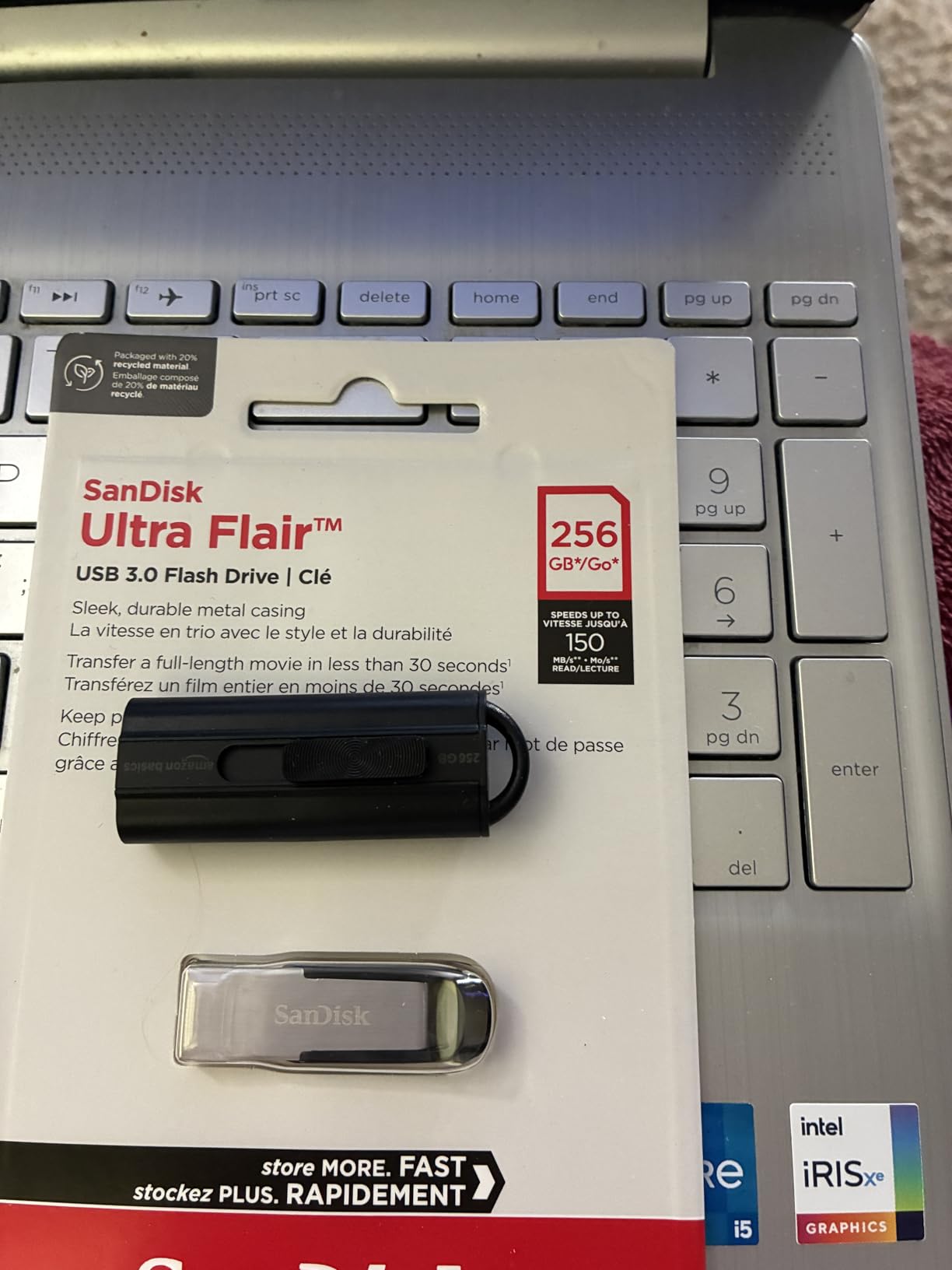
This is the drive we hand to someone who asks for one thumb drive and does not want a lecture. The Ultra Flair has been selling for years at a size and price that make sense, and it holds 128GB, which is enough room for a full project folder, a season of photos or a stack of client documents without needing a second drive.
Buyers consistently report transfers that feel quick for a USB stick rather than merely acceptable. A full-length movie lands on it in under half a minute according to the manufacturer, and the USB 3.0 label means it stays fast even on machines that are a few years old.
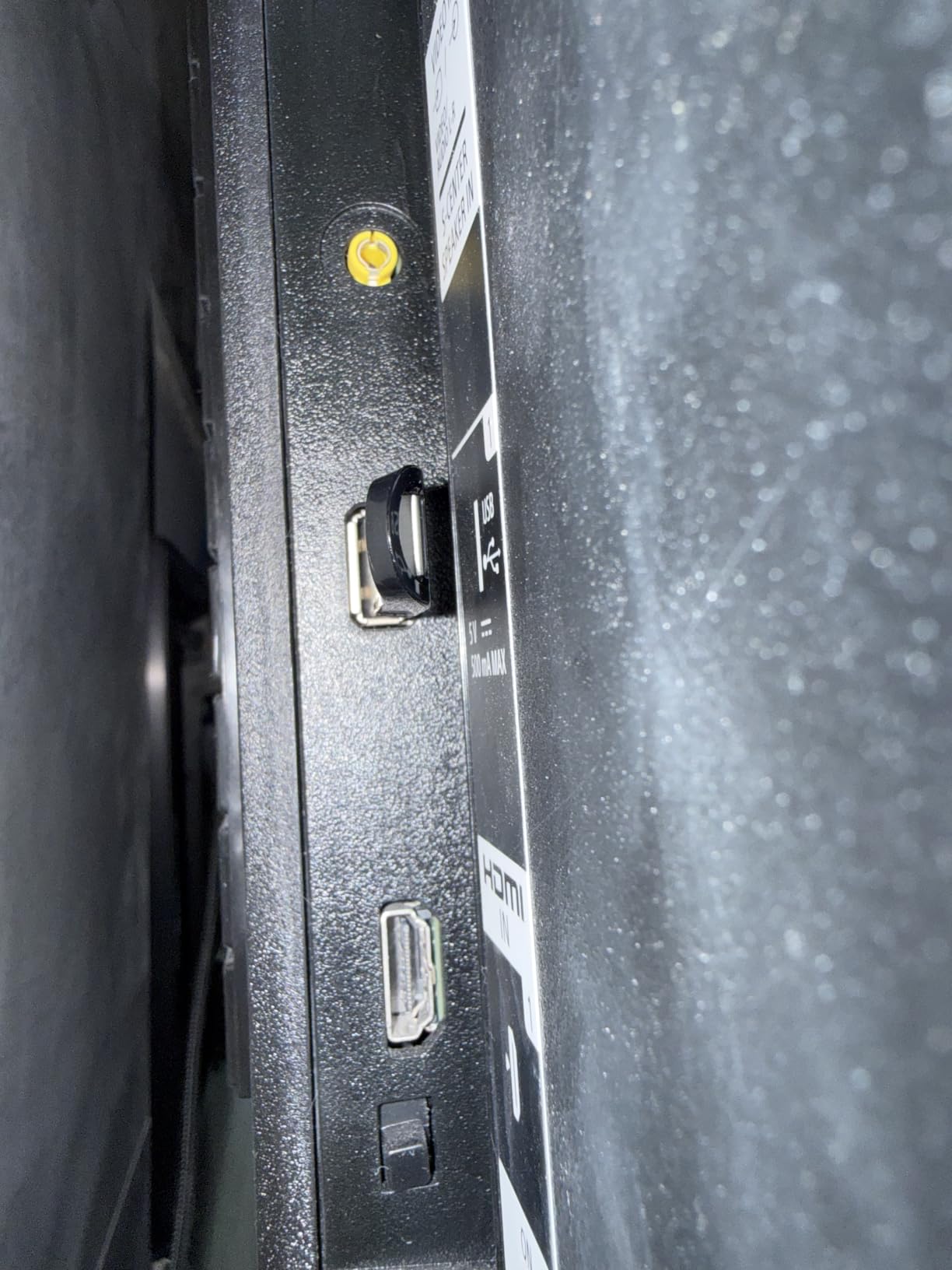
The metal casing is the detail that separates it from the plastic sticks at the same capacity. It survives a pocket, a bag and being tossed between desks without the connector cover going missing, which is the single most common way these drives get lost.
Capacity is the other quiet advantage. With 128GB you can carry a working set of video files, a photo archive and a spare copy of your most important documents on a single device, and the drive stays light enough to be genuinely portable rather than a small hard drive.
Where the Ultra Flair 128GB works well
It suits anyone moving mixed media between a laptop and a desktop over several days, which is the normal shape of office and school work. The 128-bit AES password protection is there for the files you would not want sitting in plain sight on a shared machine.
We also like it as the drive you keep in a laptop bag permanently. It is small, it is not the fastest option on this list, and it does not need to be if it is mostly carrying documents and single projects.
Where the Ultra Flair 128GB frustrates people
Write speed is the weakness. The headline 150MB/s is a read figure, and the write side sits far below it, so a very large copy takes noticeably longer than the read number suggests. If you are pushing 80GB of raw video to the drive in one go, budget extra time.
The 1-year warranty is also shorter than the five years offered by several rivals here, and the password protection requires a separate SanDisk SecureAccess download rather than working straight out of the box.
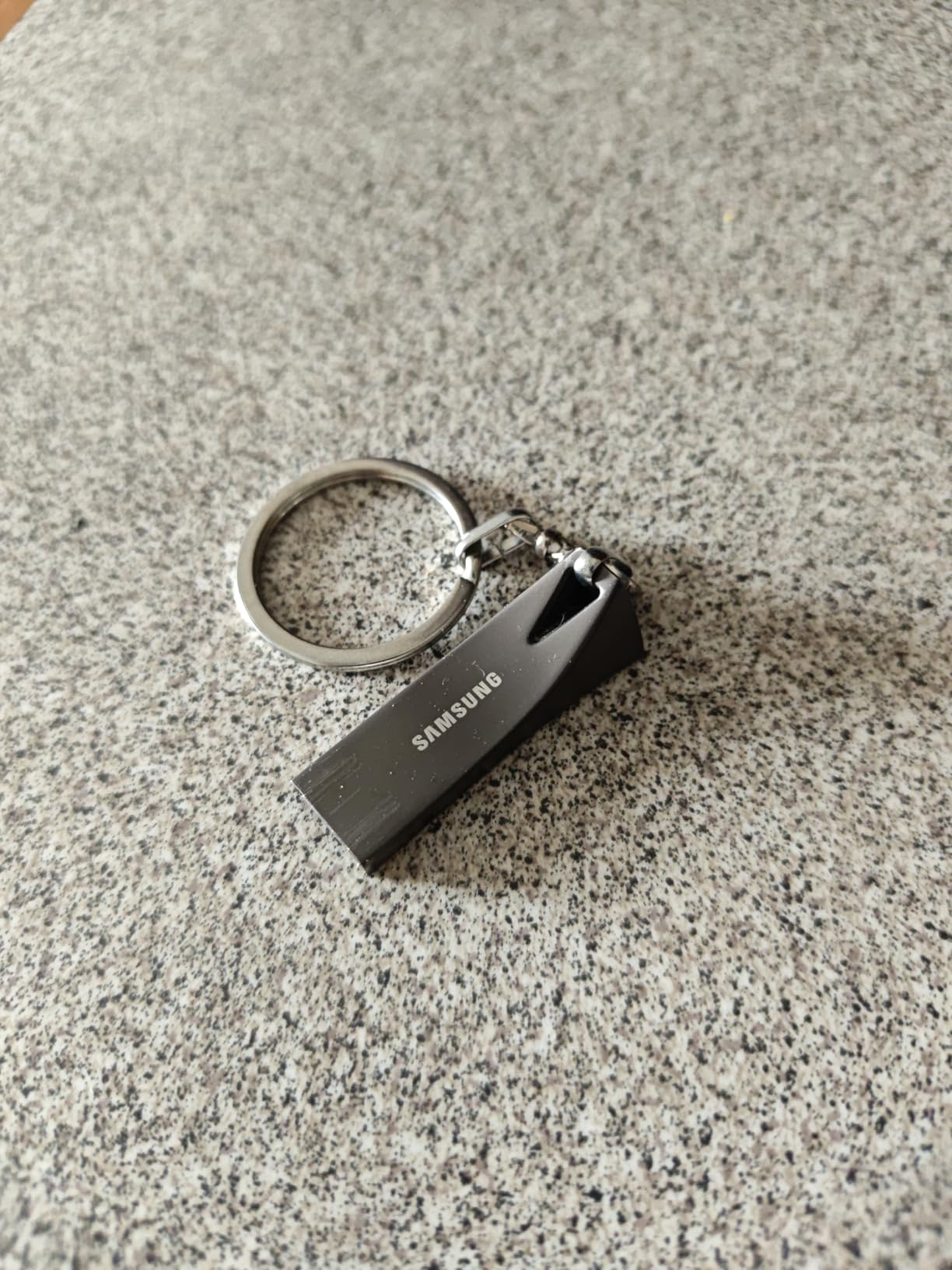
2. Samsung BAR Plus 128GB – the fastest way to move 4K footage and photo libraries

SAMSUNG BAR Plus 3.1 USB Flash Drive, 128GB, 400MB/s, Rugged Metal Casing, Storage Expansion for Photos, Videos, Music, Files, MUF-128BE4/AM, Titan Grey
128GB capacity
400MB/s read,200MB/s write
1.13 g
Metal body
5-year warranty
Pros
- Fastest read and write figures on this list
- Waterproof and shock-proof metal body
- Integrated keyring
- 5-year warranty
Cons
- Highest cost per gigabyte here
- Needs a USB 3.0 port to reach full speed
- Metal does not survive drops as well as a ruggedised drive
If your transfers are measured in gigabytes of video, the BAR Plus is the only pick here where the speed claim is close to what you get. Manufacturer figures put reads at up to 400MB/s and writes at up to 200MB/s, and roughly 3GB of 4K footage moves in about ten seconds when the port can keep up.
It weighs 1.13 g and has a metal body with an integrated keyring, so the drive and the keyring are one object rather than two things that can come apart.
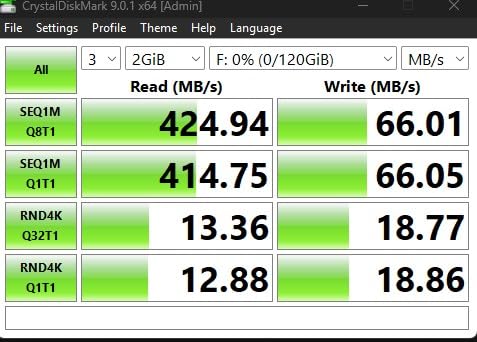
The durability claims are unusually specific for a flash drive: waterproof, shock-proof, temperature-proof, magnet-proof and X-ray-proof. That is not marketing fluff for the way most of us use a drive, but it does mean it keeps working in a car, a toolbox or a humid office drawer.
Samsung makes its own NAND and firmware rather than buying components in, and the 5-year warranty is one of the longest in this roundup. For a drive you intend to keep for years rather than months, that combination matters.
Why the BAR Plus earns its place
Photographers offloading a shoot and videographers shuttling raw footage are the clearest cases. When the copy is measured in tens of gigabytes, the difference between a drive that writes at 200MB/s and one that writes at 30MB/s is the difference between coffee and a coffee break.
It also solves the port problem honestly. On a USB 2.0 machine it will still work, just at USB 2.0 speeds, so the drive does not become useless if your laptop is older than you would like.
Where the BAR Plus falls short
Price per gigabyte is the recurring complaint in reviews, and it is fair. You are paying for speed and for Samsung’s build quality, and if your transfers are a 2GB folder of PDFs, that premium buys you nothing you will notice.
Do also check what your computer can actually feed it. The 400MB/s figure assumes a USB 3.2 Gen 2 host port, and on a typical USB 3.2 Gen 1 port the drive settles closer to the 100MB/s ceiling of the port itself.
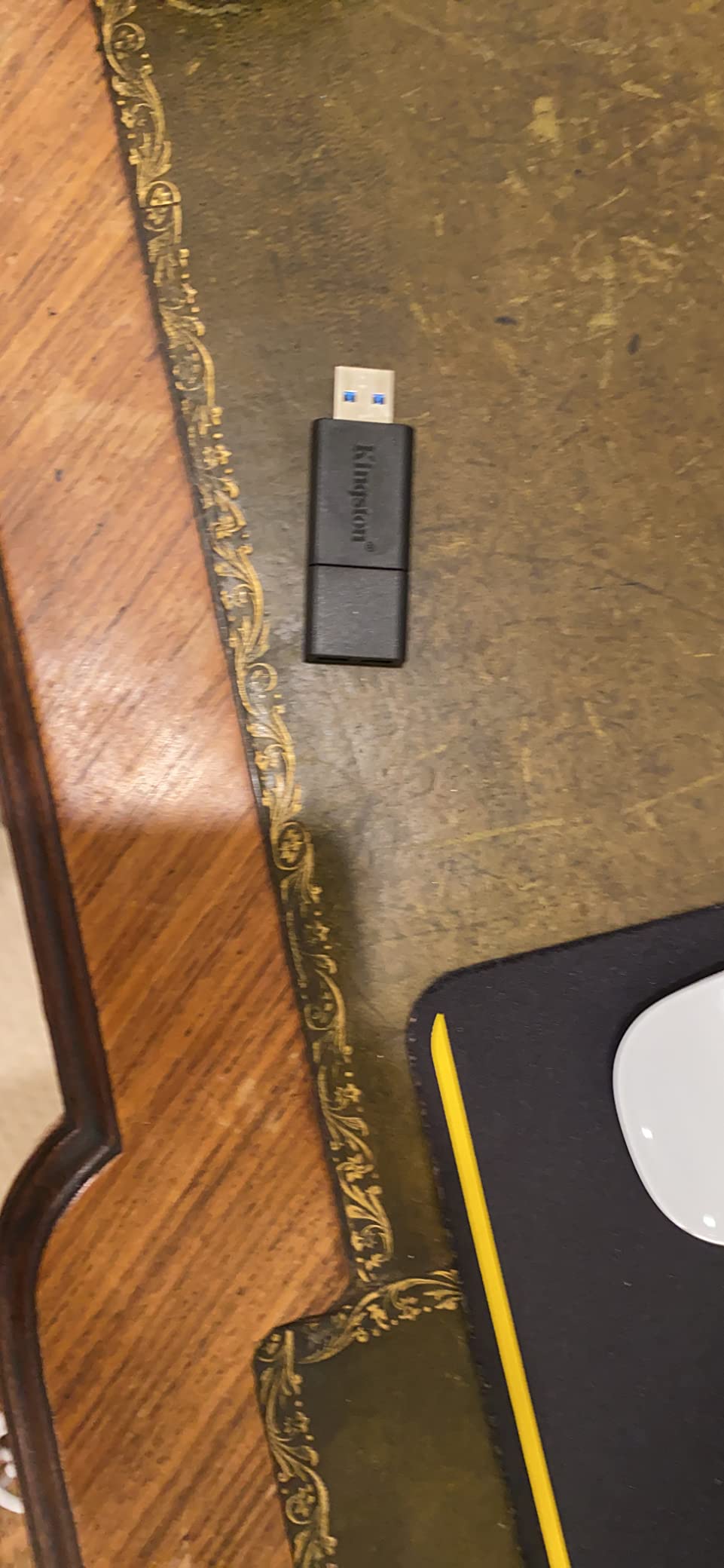
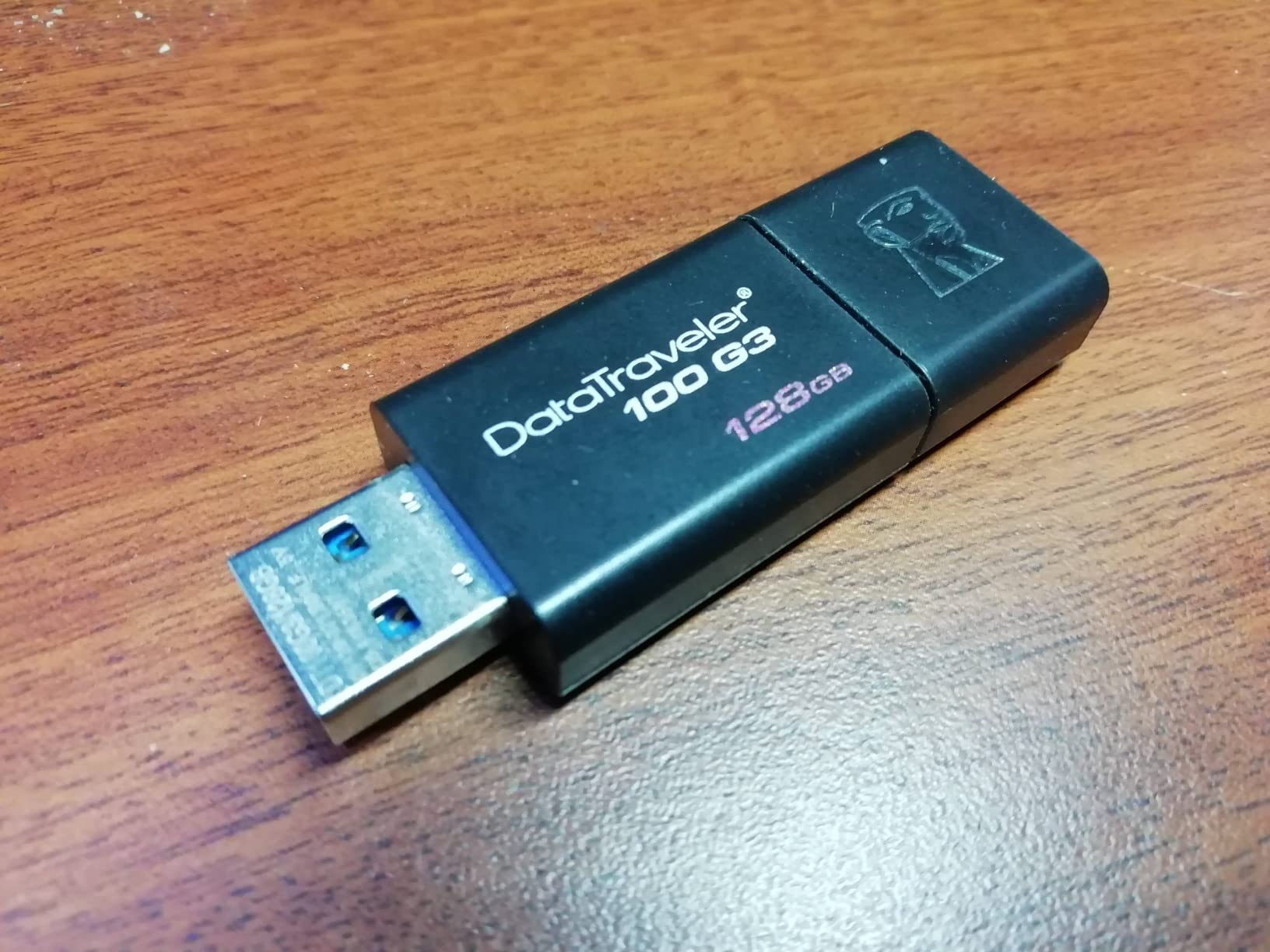
3. Kingston DataTraveler 100 G3 128GB – the office workhorse that gets used daily
Kingston 128GB DataTraveler 100 G3 USB 3.0 100MB/s Read, 10MB/s Write (DT100G3/128GB)
128GB capacity
100MB/s read
USB 3.0
Sliding cap
Five-year warranty
Pros
- Dependable performance well above USB 2.0
- Five-year warranty
- Backwards compatible with USB 2.0
- Proven on OS imaging jobs
Cons
- Write speeds of roughly 40-70MB/s
- All-plastic body feels cheap
- Sliding cap must be fully retracted
This is the drive IT departments keep coming back to, and the reason is the warranty rather than the specification sheet. Five years of cover from a memory specialist means a failure is a warranty claim rather than an argument, and the black sliding-cap body is unremarkable in a way that suits a drawer full of identical drives.
Reviewers benchmarking it land around 120-140MB/s read and 40-70MB/s write, which is a much better write figure than most drives at this tier. Those are the numbers that decide how long a big copy takes, so they matter more than the label on the box.
It has a track record that is easy to overlook: being used for mass OS imaging across large numbers of machines. Imaging a laptop means writing the entire system image in one continuous push, and a drive that throttles badly or drops out mid-write is a drive that cannot do the job.
For a team that needs five of the same thing, consistency is the feature. The model number, the firmware behaviour and the warranty terms are identical across the batch, so a replacement behaves exactly like the one it replaced.
Where the DataTraveler 100 G3 earns its spot
Daily office use, backups of a project folder, and handing a colleague a drive that will still work next year. It is also the safest choice for anyone who has been burned by a cheap stick dying mid-transfer and losing the file.
Backwards compatibility with USB 2.0 hosts is genuine, not just printed on the box. Older car stereos, printers and kiosk machines will accept it, though at the slower of the two speeds.
Where people complain about it
The plastic housing feels thin, and the sliding cap protects the connector less well than a full removable cap. It is also a common complaint that the cap must be pushed all the way back or the drive will not seat properly in the port.
That cap track can pick up grit and jam, which is a small thing until it happens in a classroom or a workshop. Retractable drives avoid the problem entirely by having no cap to lose.
4. SanDisk Ultra 32GB – the highest-rated pick for quick, small transfers

SANDISK 32GB Ultra USB 3.0 Flash Drive – SDCZ48-032G-UAM46, black
32GB capacity
USB 3.0
100MB/s read
Compact low-profile
5-year warranty
Pros
- Highest average rating in this roundup
- 100MB/s read
- Five-year warranty
- Backwards compatible with USB 2.0
Cons
- 32GB is the smallest capacity here
- Write speed well below the read figure
- SecureAccess needs a separate download
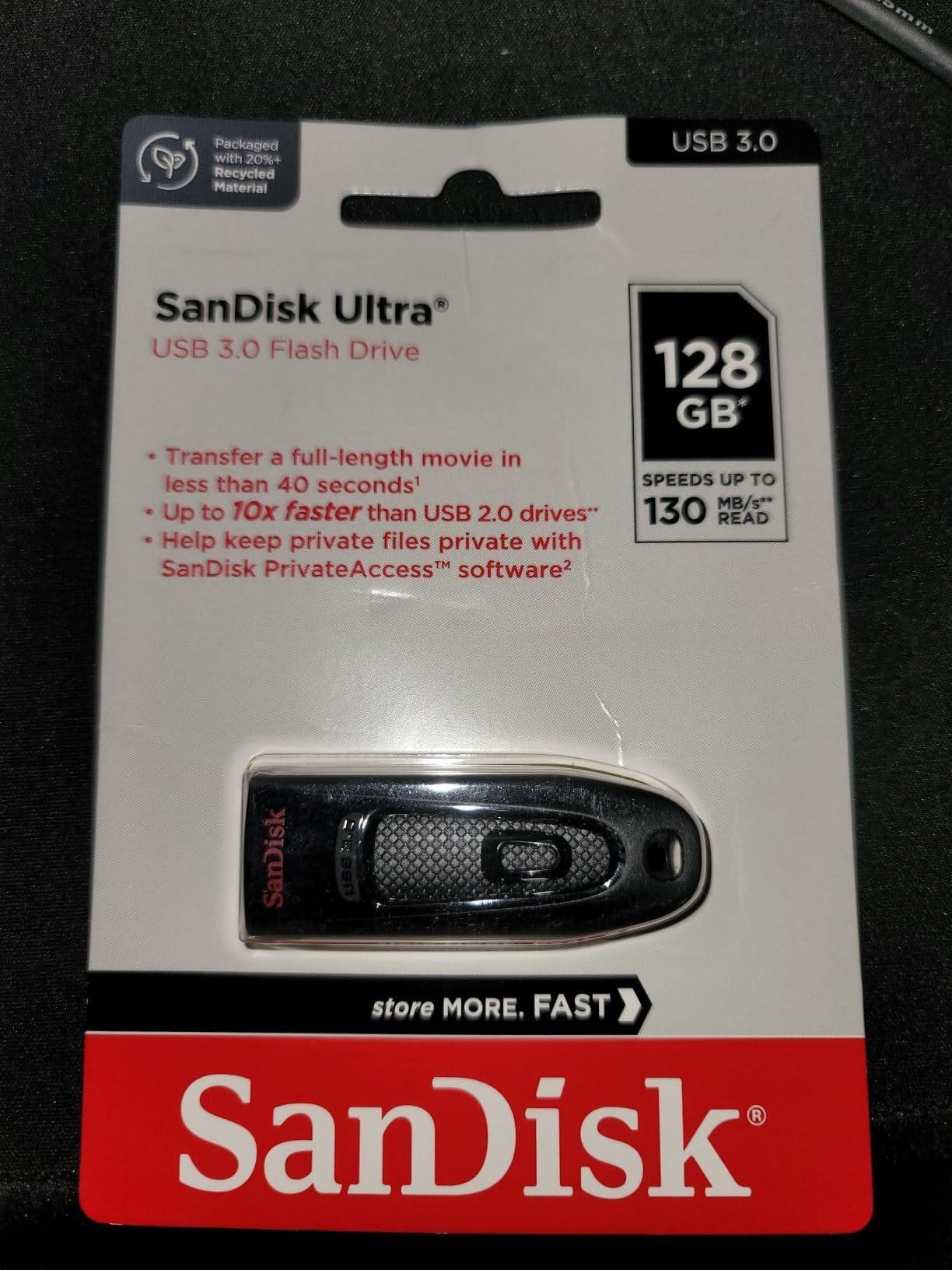
At 4.7 average across more than 133,000 reviews, this drive sits at the top of the rating table in this roundup, with an 81% share of five-star ratings. That consistency is the reason it is on this list: not a standout specification, but a very low chance of a bad day.
It is the right shape of choice for a person who moves presentations, contact details, PDFs and the occasional photo album, and who would rather not think about it. Plug it in, drag, eject.
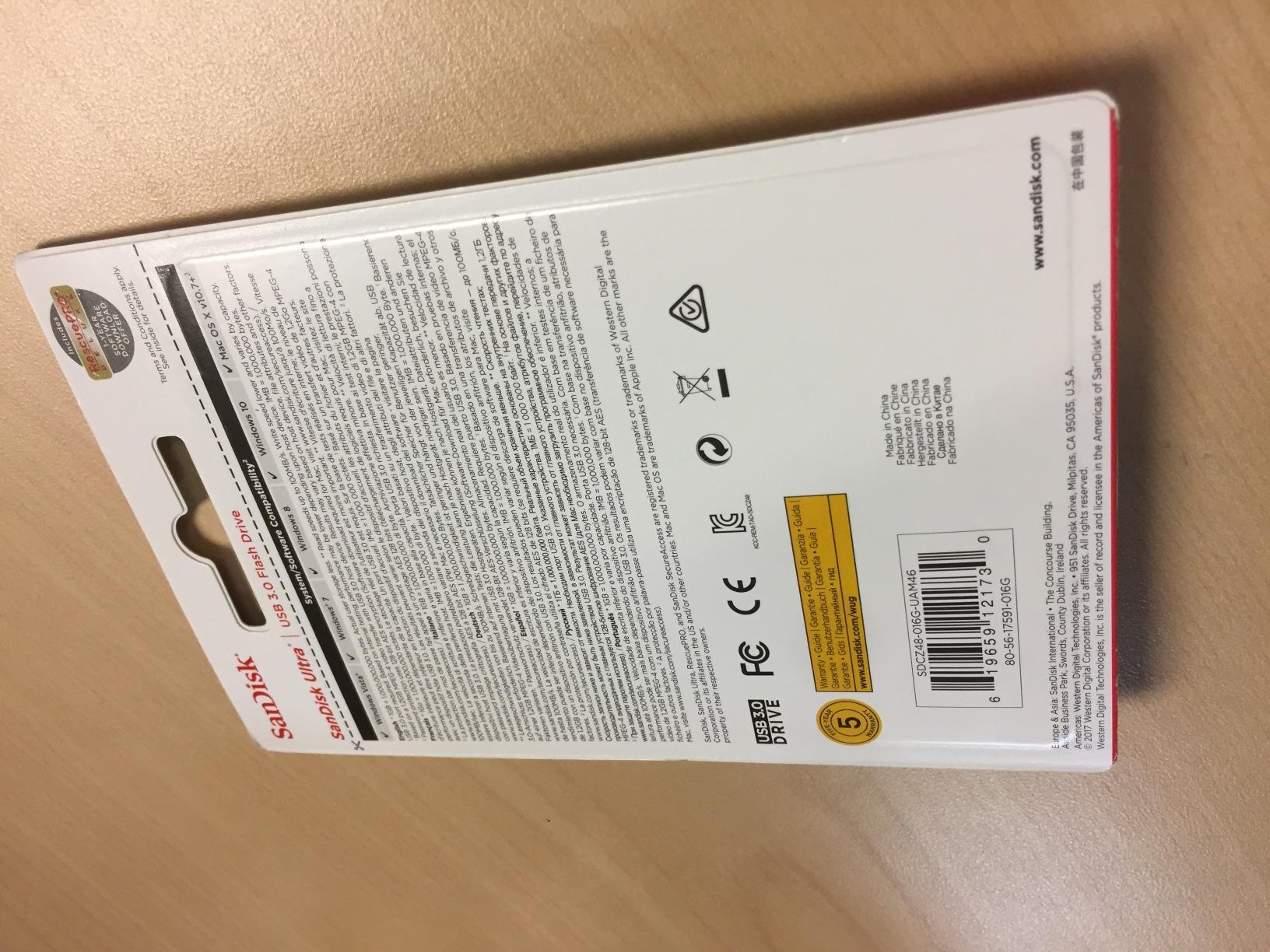
The low-profile body slides into a laptop port without blocking the ones beside it, which is a small quality-of-life detail that matters when you are working in a cafe with three other things plugged in.
Five years of warranty on a drive this ordinary is a genuine strength. It means the cheap end of the market is not automatically the risky end, provided the seller is a real distributor.
Who should buy the SanDisk Ultra 32GB
Students, anyone who hands documents to people without asking what format they want, and anyone who wants one drive in a drawer that never causes a problem. Thirty-two gigabytes is roughly a thousand high-resolution photos or a long stretch of documents.
It is also a decent second drive to keep in a laptop bag for the times you need to hand something over rather than email it.
Where 32GB stops being enough
Video is the limit. A single 4K clip can eat several gigabytes, and RAW photo libraries grow fast, so this drive fills sooner than people expect once you start moving media rather than documents.
Write speed also sits well below the 100MB/s read figure, so it is not the drive to use for a one-off bulk copy. For small, frequent transfers it is excellent; for a single large migration it is the wrong tool.
5. PNY Turbo Attache 3 128GB 2-Pack – a matched pair for home and work

PNY 128GB Turbo Attaché 3 USB 3.0 Flash Drive 2-Pack
Two 128GB drives
USB 3.0
Up to 100MB/s read
Sliding collar
1-year warranty
Pros
- Two identical drives in one pack
- Good transfer speed for the class
- Sliding collar with no loose cap
- Backwards compatible with USB 2.0
Cons
- Only a 1-year warranty
- Cap-less design leaves the connector less protected
- USB 2.0 fallback is slow
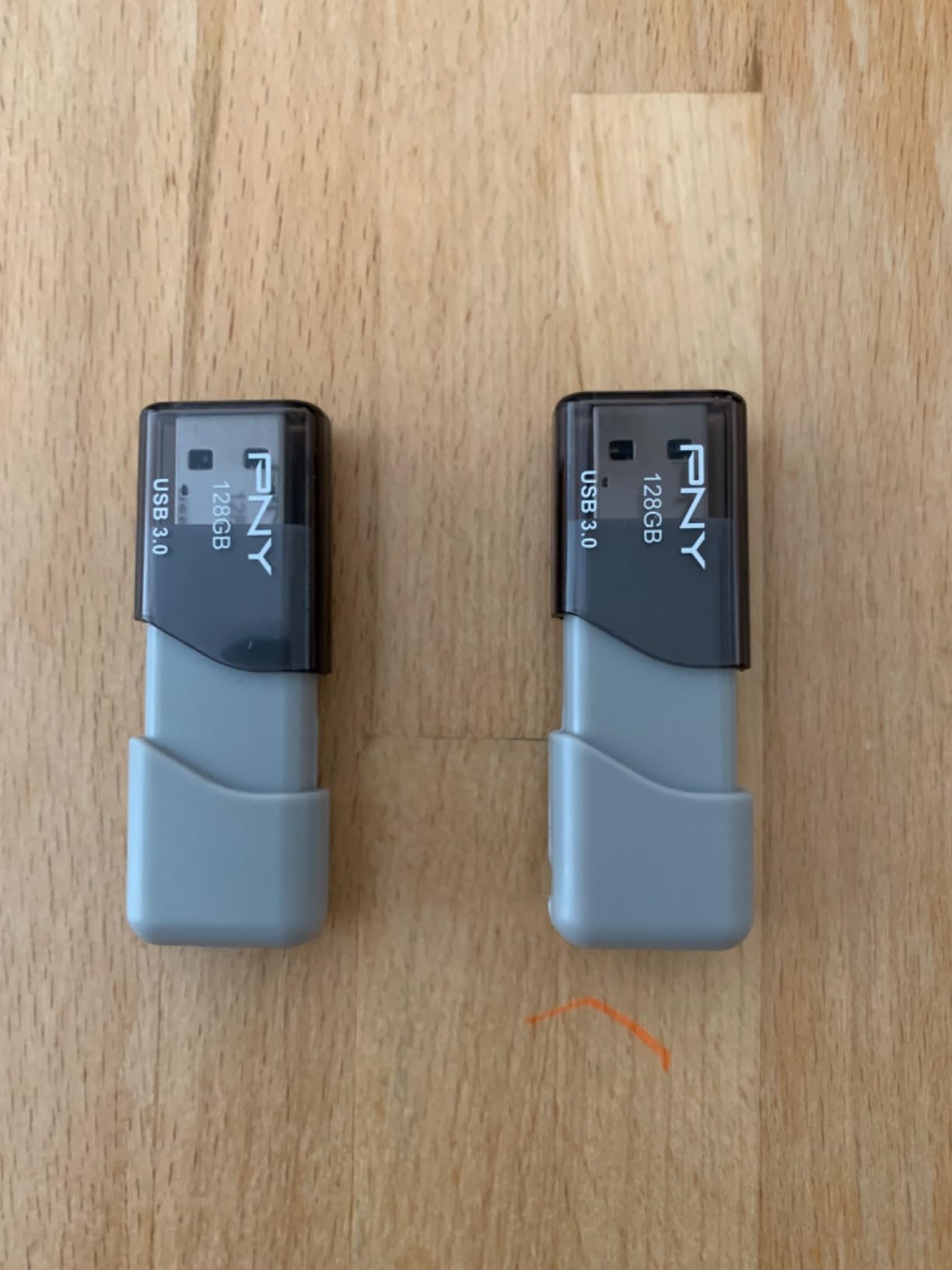
Selling at number two in the USB flash drives category is not an accident, and buyers explain why: two identical 128GB drives let you keep one at home and one at work without wondering whether the one at the other location is holding a file you need.
The pair is also useful as an instant primary and backup. Copy to one, verify, and you have a working redundancy scheme on a device that costs almost nothing and fits in a pocket.
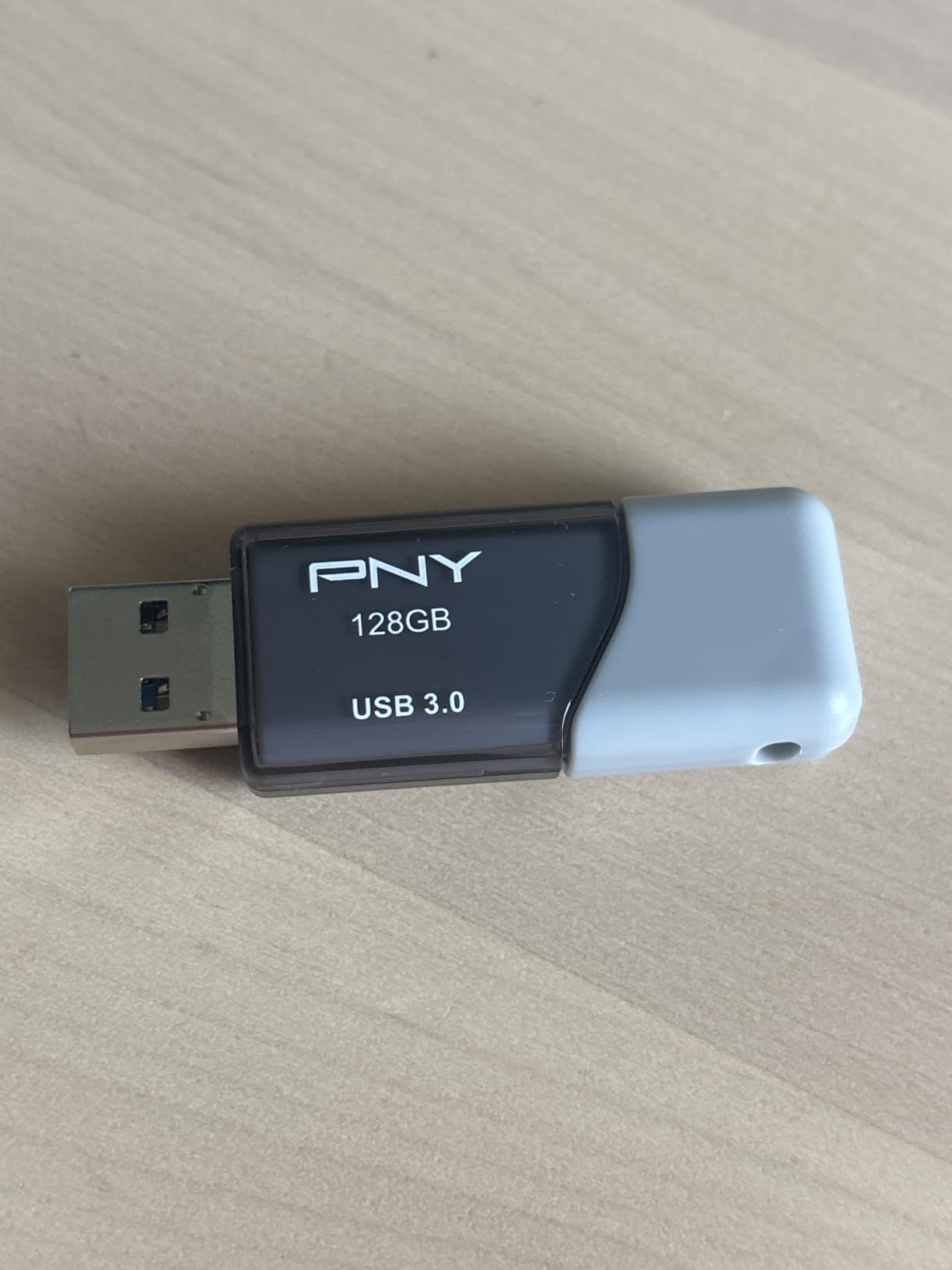
Speed sits at up to 100MB/s read, which is the USB 3.0 baseline and perfectly adequate for documents, music and moderate photo batches. Reviewers describe large media transfers as good for the class rather than outstanding.
The sliding collar design removes the loose cap entirely, so there is nothing to lose in a pocket. The trade-off is that the connector is more exposed when the collar is open.
Why buy two when one would do
Splitting a working set across two locations removes a whole category of problem. It also gives you a spare that you know works, because you wrote the test file to it last week.
Shared family or team use is the other case. Two people can hold one each, which is cheaper and simpler than emailing large archives or setting up a shared cloud account.
Where the 2-Pack disappoints
The 1-year warranty is the shortest here apart from a couple of others, and for a drive you intend to fill completely that is thinner cover than the five-year alternatives.
There is no USB-C connector on either drive, so both are USB-A only. If the machine you are handing files to is a modern laptop or a phone, you will need an adapter, and the pack does not include one.
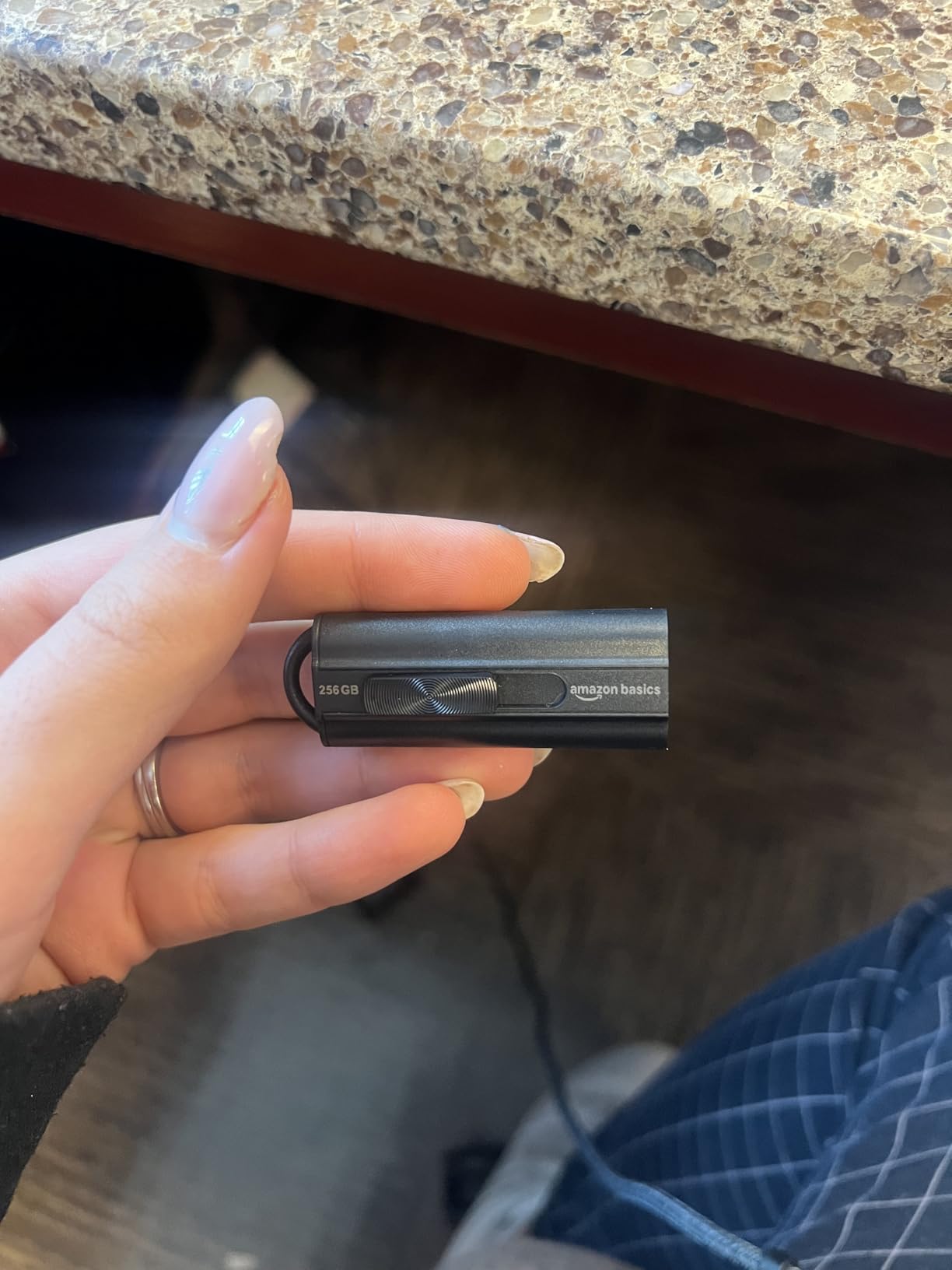
6. Amazon Basics 128GB USB 3.1 – a confirmed 130MB/s read for bootable media

Amazon Basics 128 GB Ultra Fast USB 3.1 Flash Drive, Retractable, High-Speed Data Transfer Storage Device, Black
128GB capacity
Up to 130MB/s read,30MB/s write
Retractable keyhole
FAT32 as supplied
Pros
- Verified 130MB/s read in user testing
- Retractable connector with a keyhole
- Shipped FAT32 works on Windows and Mac
- Holds a full photo portfolio
Cons
- Write speed around 30-50MB/s
- Chunkier plastic body
- Needs an adapter for some consoles
Photographers and IT technicians single this one out, and the reason is unusual: users benchmarking it found the 130MB/s read figure is real, faster than some drives that cost more. It is a value workhorse rather than a prestige object.
The retractable telescopic connector means there is no cap to lose, and the integrated keyhole takes a split ring directly. Both features matter more than they sound on a drive that lives in a bag.
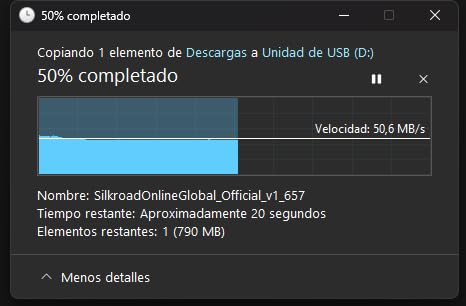
It is formatted as FAT32 as standard, which means it is immediately readable on both Windows and a Mac with no reformatting step. Reviewers also use it to hold a portable Windows or Linux image, which is the most demanding thing you can ask of a flash drive.
Reported write speeds average roughly 34MB/s when filling the drive, which is fine for backups and boot media but slow for a one-time bulk video copy.
Where the Amazon Basics 128GB earns its keep
Bootable recovery media, firmware updates for routers and cameras, and a general-purpose drive for anyone who reformat often. The factory FAT32 formatting removes the most common first-day frustration.
Holding a full RAW photo portfolio on a device that costs little is a reasonable everyday use, and the 130MB/s read keeps browsing a large library quick.
Where it gets in the way
FAT32 has a hard 4GB single-file limit. If you are moving a large video file, you will have to reformat to exFAT or NTFS before the copy starts, which is a two-minute job once you know where the setting is.
The body is chunkier than slim metal drives and needs an adapter for some consoles, and the write side is slow enough that a large migration will feel like a wait.
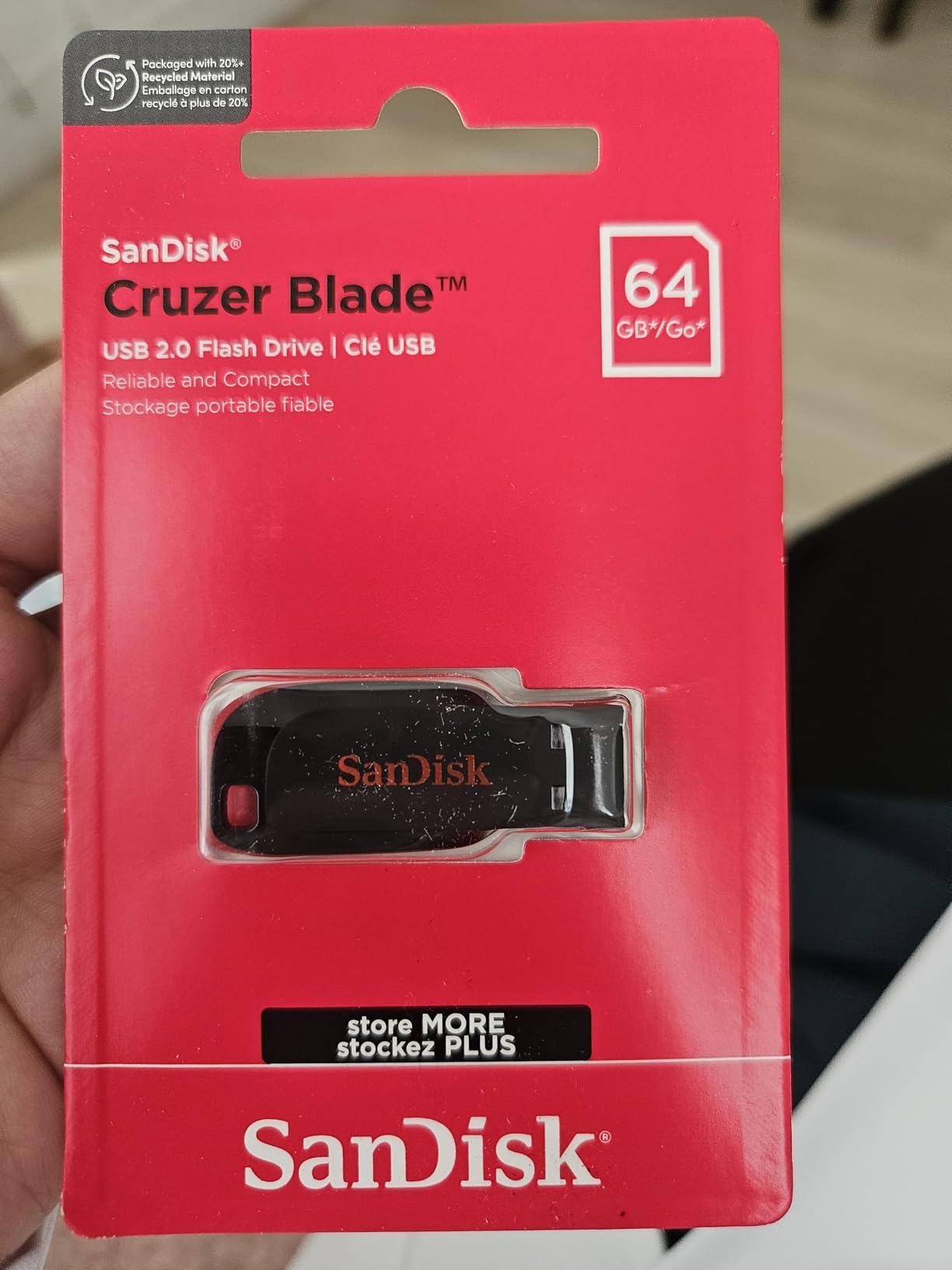
7. SanDisk Cruzer Blade 64GB – the drive that lives on your keychain

SANDISK 64GB Cruzer Blade, USB-A Flash Drive, Black
64GB capacity
USB 2.0
30MB/s read,10MB/s write
4.54 g
5-year warranty
Pros
- Incredibly small and light
- Retractable design with no loose cap
- Five-year warranty
- Priced for everyday carry
Cons
- USB 2.0 speeds are modest for large media
- 64GB ceiling on this model
- No clip or lanyard included
- SecureAccess needs a download
With more than 309,000 reviews, the Cruzer Blade is the most reviewed drive in this roundup, and it has been the default recommendation in online tech communities for years. The TrueNAS community, in particular, keeps naming SanDisk Cruzer and Transcend JetFlash drives as the ones they trust to arrive working.
It weighs 4.54 g and has a contoured body with a retractable connector, so it is genuinely pocketable and genuinely capless. The community consensus is that boring, well-known, long-sold drives lose less data than exciting new ones.
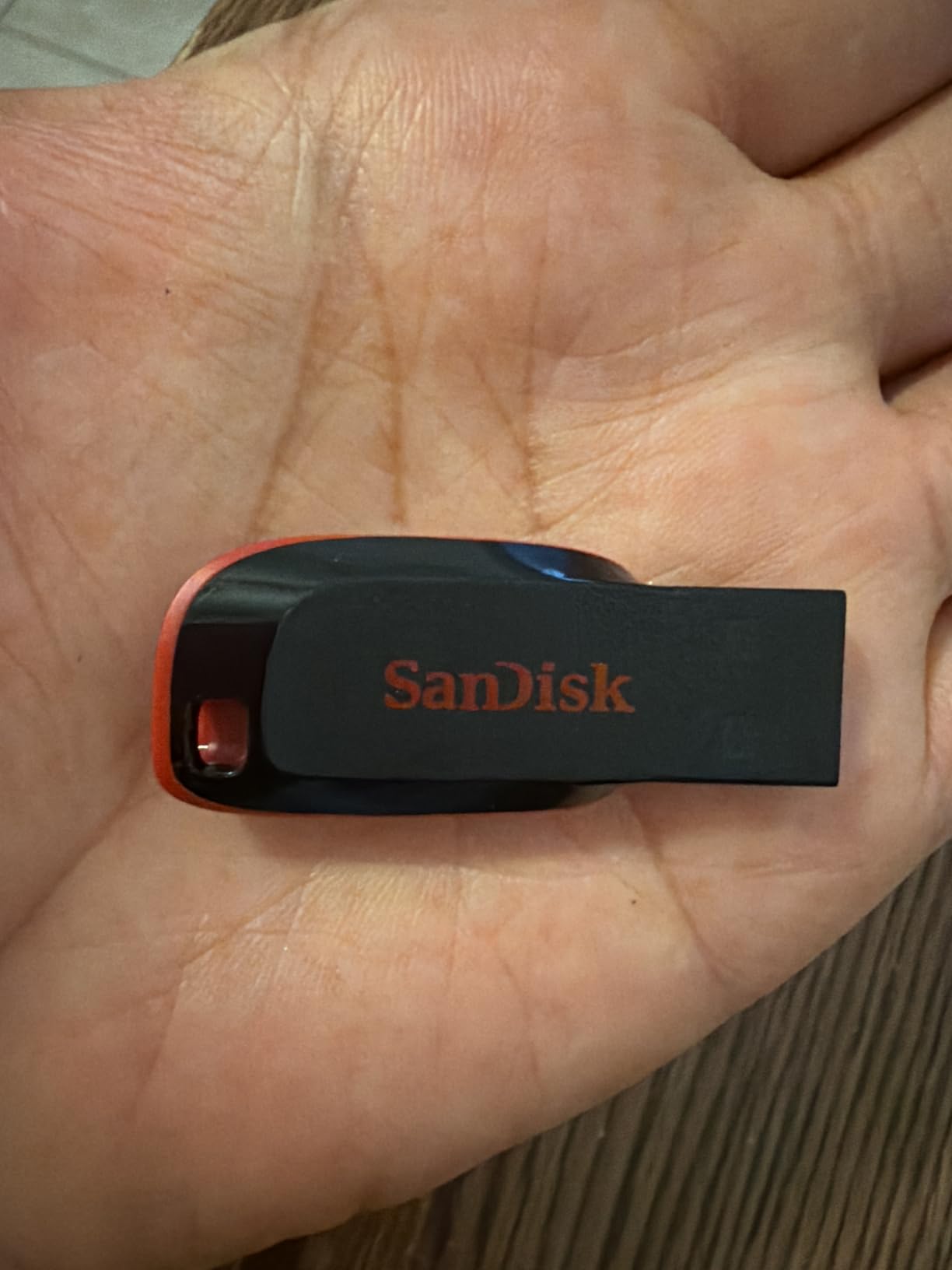
It is still the drive people reach for when a BIOS needs updating, an older car stereo needs music, or a family member needs a folder of documents handed over in person. Those jobs are exactly what a 64GB USB 2.0 stick is good at.
Five years of limited warranty on a drive this ordinary is unusual in the best way, and the 128-bit AES password protection is available when you need to lock a private folder.
Why the Cruzer Blade still makes the list
Reliability history is the argument. A drive that has been manufactured in volume for years with a stable part number is a drive whose failure modes are well known, and 4.6 average across that volume of reviews reflects exactly that.
It is also the least fiddly object here. No software to install, no adapter to find, no second connector to protect. You carry it, you plug it in, it works.
Where USB 2.0 becomes the problem
At 30MB/s read and 10MB/s write, this drive is not for large media. A 20GB video project will take far longer than anyone expects from a device that looks modern.
Note also that a USB 3.0 drive plugged into a USB 2.0 port runs at the port speed, so a faster drive does not rescue an old machine. The gain from upgrading a drive only appears if the port can keep up.
8. Amazon Basics 128GB Dual Port – one drive for a USB-C laptop and a USB-A desktop

Amazon Basics 128GB USB Flash Drive, Thumb Drive Memory Stick with USB C and USB A Dual Ports, Champagne Silver
128GB capacity
USB-C and USB-A ports
Up to 400MB/s read
exFAT as supplied
Metal casing
Pros
- Dual USB-C and USB-A on one drive
- Highest rated read among dual-connector drives
- exFAT default format
- Metal casing with a hanging hole
Cons
- The most expensive dual-connector option here
- No published verified write speed
- Not compatible with Lightning ports
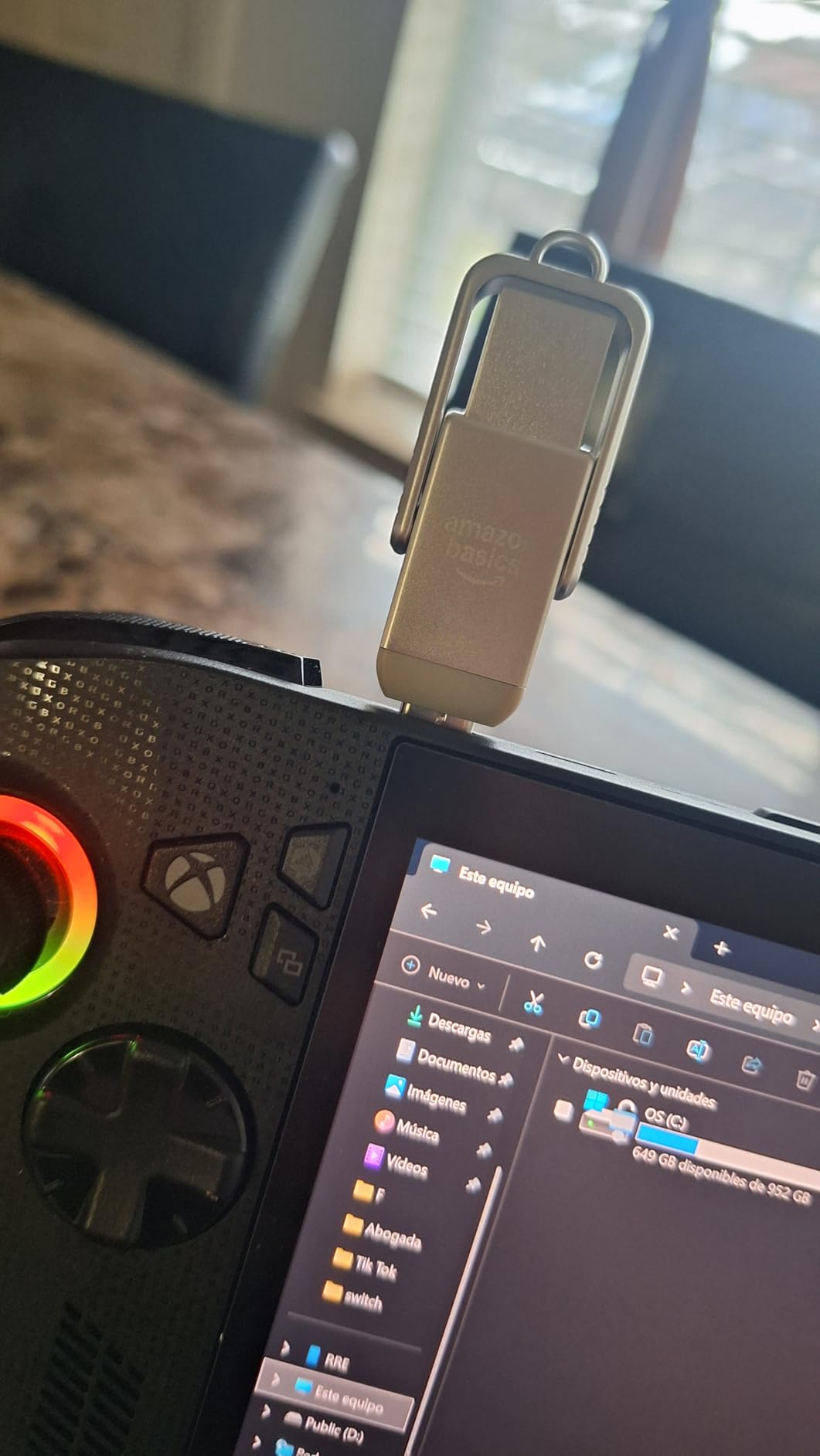
Newer laptops increasingly ship without a USB-A port, and older desktops rarely have USB-C. A dual-connector drive removes the adapter from the equation entirely, which is why this category has grown so much.
The listed read speed of up to 400MB/s is the highest among dual-connector drives, and the default exFAT format gives a useful 128GB nominal with over 115GB available to the operating system once formatting overhead is removed.
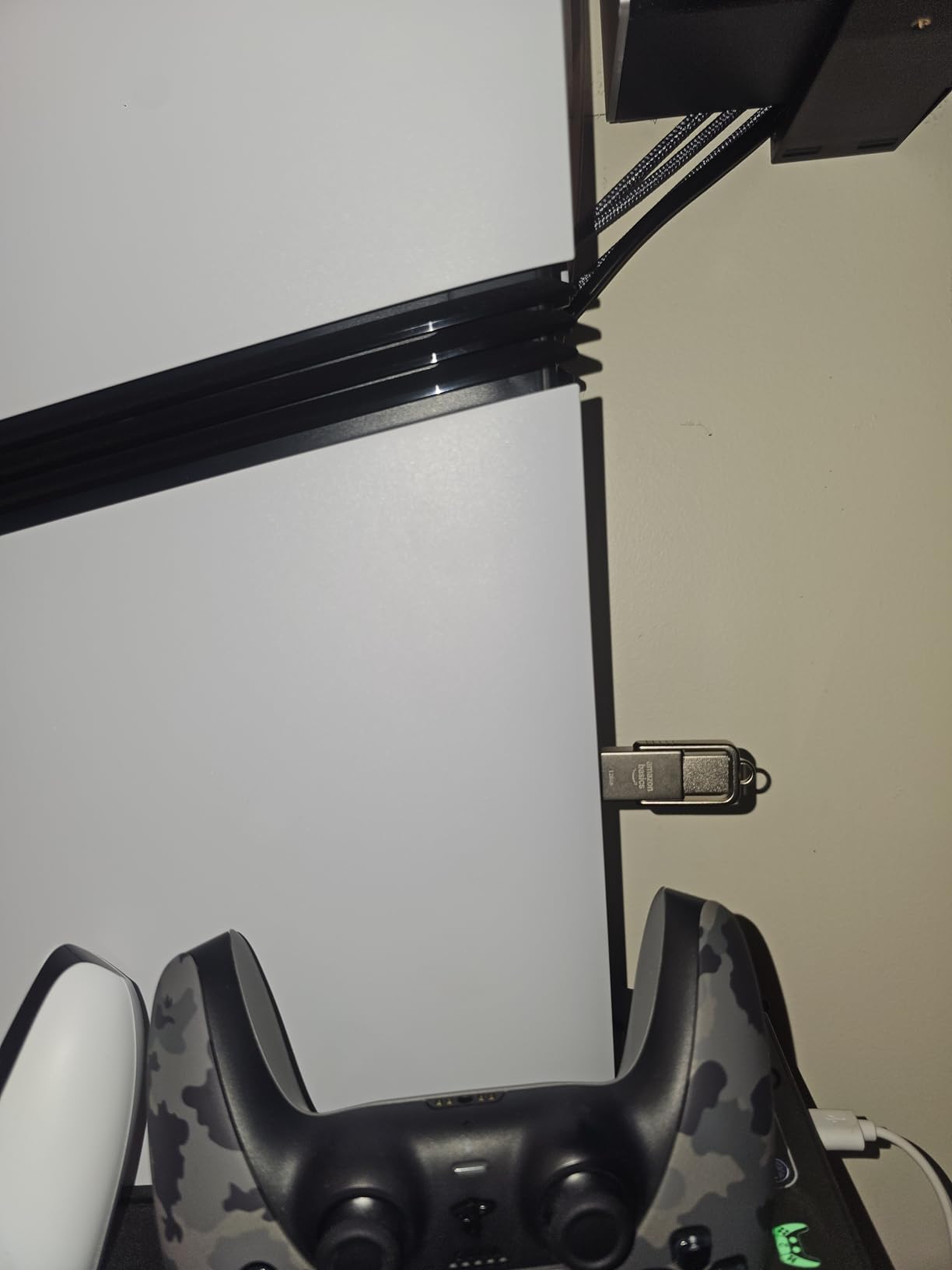
exFAT as the standard format is a thoughtful default for transfers. It holds files larger than 4GB, it works on Windows and macOS without a second machine complaining, and it draws less power, which helps on battery-powered devices.
The metal exterior and rotating open-and-close design feel more substantial than the plastic sticks, and the hanging hole is a small thing that stops the drive ending up loose in a bag.
Where the dual-port design pays off
Handing files to a mixed group is the case. One drive goes into the USB-C laptop, the same drive goes into the USB-A desktop, and nothing needs translating, re-encoding or emailing.
It also suits anyone who has been carrying two sticks and losing one of them. A single device with both connectors ends that habit.
Where this drive is not the answer
Amazon does not publish a verified write speed for it, and that is the number that matters most for transfers. Treat the 400MB/s as a read ceiling rather than a promise about a large copy.
It is not compatible with Lightning ports, so it will not help an iPhone user. And the rotating cover leaves one connector exposed at all times, so the case for a pouch is stronger than with a fully enclosed drive.
9. Lexar D40E 128GB Dual Connector – the practical choice for phone transfers

Lexar D40E 128GB Dual USB 3.2 Gen 1 Type-C Jump Drive, Champagne Silver
128GB capacity
USB-A and USB-C
Up to 100MB/s
256-bit AES
Metal housing
Pros
- Dual connectors remove the need for adapters
- All-metal housing
- 360-degree swivel and keyring loop
- 256-bit AES software included
Cons
- The lowest rating in this roundup at 4.3
- Swivel cover shields only one connector
- Runs warm during large transfers
- Ships FAT32 formatted
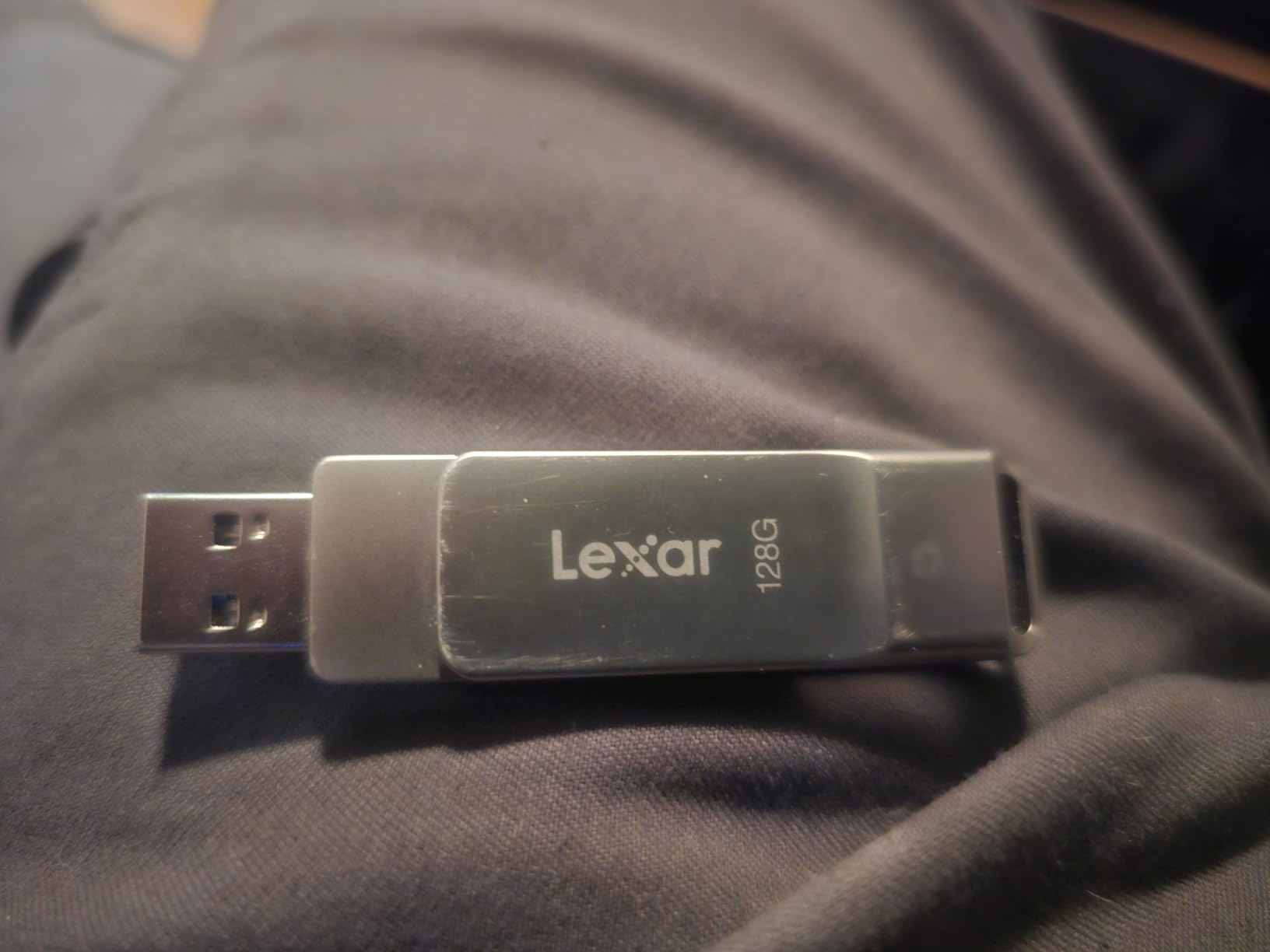
Moving photos off a modern phone is the use case this drive was designed around. The USB-C end goes straight into the handset, the USB-A end goes into a laptop or a camera card reader, and no adapter comes between you and the transfer.
One owner verified true capacity with H2testw and measured 178MB/s reads, which is well above the listed figure and a useful reminder that the printed number is a floor rather than a ceiling.
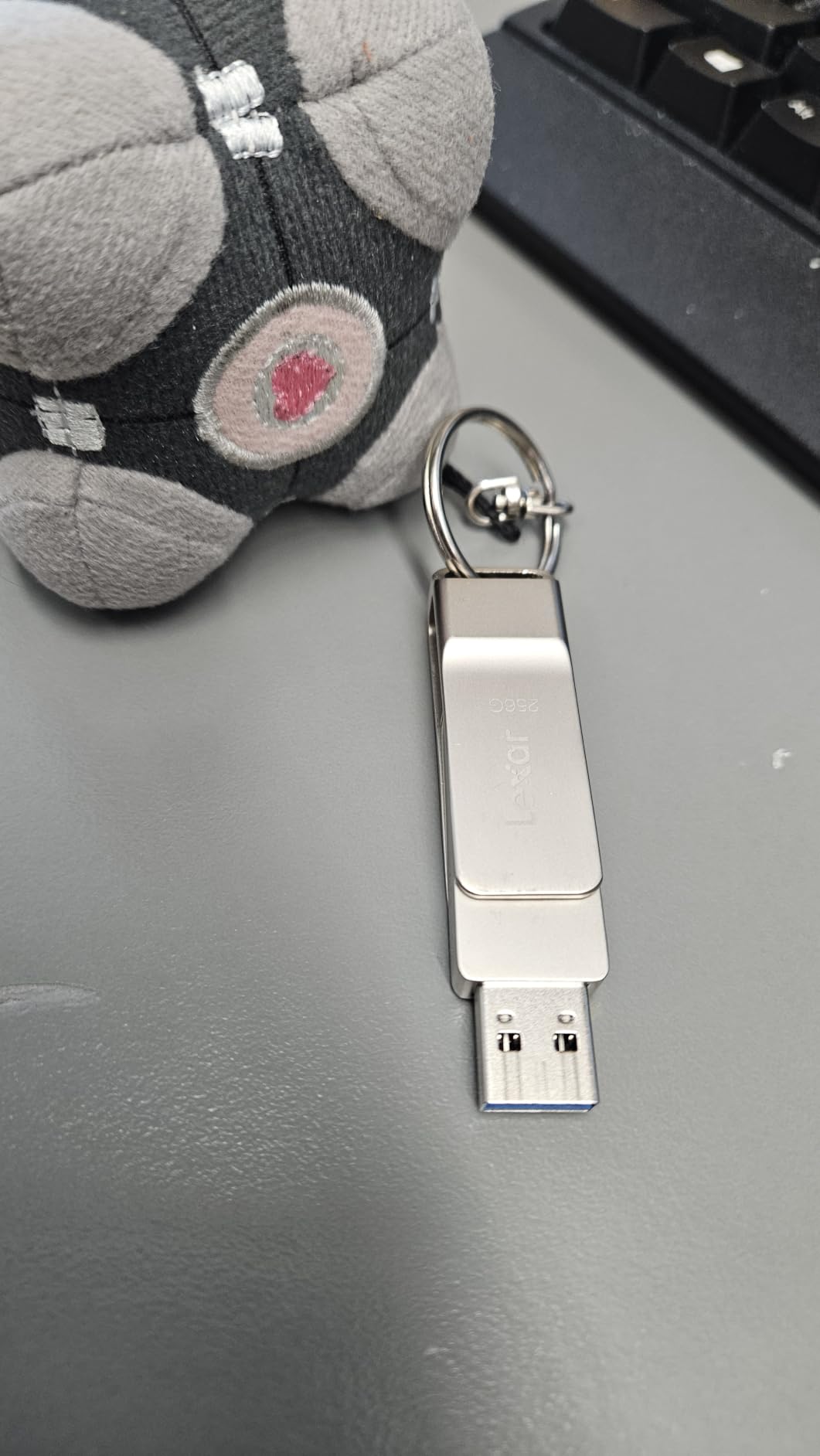
256-bit AES encryption software comes with the drive, which is a real step above the software-based protection on some rivals. For client material or medical records that is the difference between a locked file and a readable one.
The swivel design carries both connectors inside a metal collar, so the drive hangs off a lanyard or keyring without a separate attachment. The all-metal body also feels more solid than its weight suggests.
Where the D40E is the right drive
Photographers and phone-heavy users will get the most out of it. If your source device is USB-C, a single-connector USB-A drive is a plastic adapter you will lose in a week.
It also covers the case where the recipient has an older machine. Two connectors on one drive means one object works everywhere without a negotiation about who owns the adapter.
Where buyers report problems
It carries the lowest average rating in this roundup at 4.3, with 9% one-star reviews. The recurring themes are heat build-up during long transfers and some corrupted-file reports when the drive is paired with certain laser scanners.
It ships FAT32 formatted, so any file over 4GB will not copy until you reformat to exFAT. The 3-year warranty is also shorter than the five years offered by the Kingston and Samsung drives here.
10. Transcend JetFlash 700 64GB – the limited lifetime warranty pick

Transcend 64GB JetFlash 700 USB 3.0 Flash Thumb Drive, Black
64GB capacity
USB 3.1 Gen 1
Up to 90MB/s read,20MB/s write
Limited lifetime warranty
10.3 g
Pros
- Limited lifetime warranty
- Ultrasonic-welded build
- Driverless on Windows macOS Linux ChromeOS and Android
- Transcend Elite software included
Cons
- Write speed capped around 20MB/s
- Cap and latch feel slightly flimsy
- Boxier than modern slim drives
The warranty is the headline: limited lifetime. Very few flash drives carry that, and it removes the entire question of whether this drive will still be covered in four years.
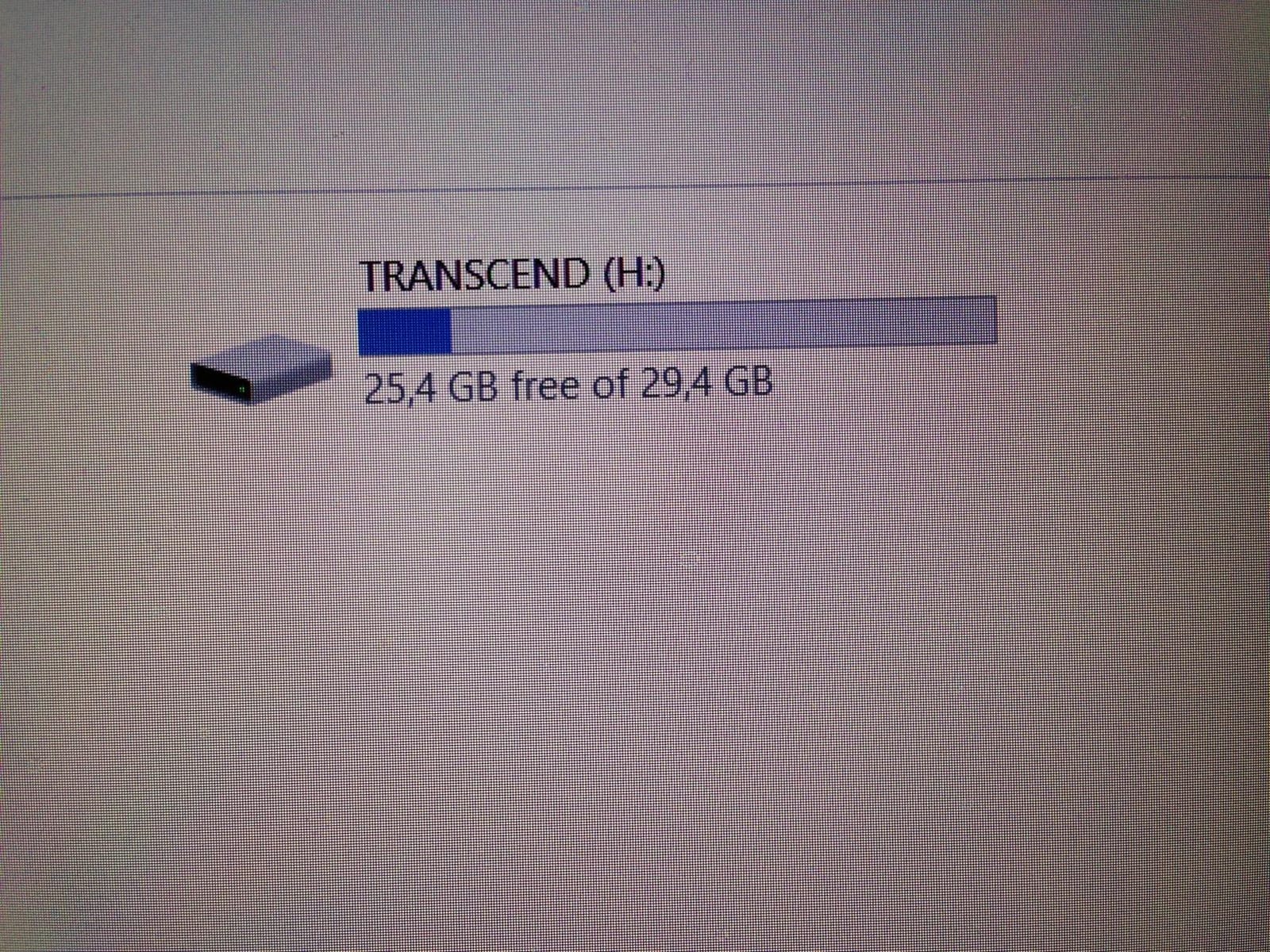
User benchmarks put it around 82MB/s read and 74MB/s write on a USB 3.0 host, which is a better real-world write figure than most drives of this size. It is regularly described in communities as the best value USB 3.0 stick.
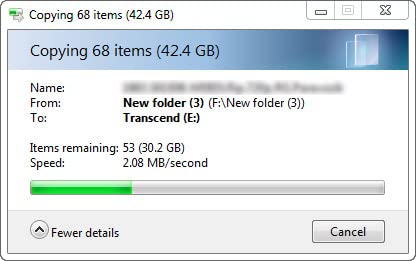
It works driverless across Windows, macOS, Linux, ChromeOS and Android, and the body fits standard USB ports without blocking the neighbours. That combination makes it a favourite for boot media and for Raspberry Pi installs.
Transcend Elite adds backup scheduling, encryption and cloud backup options on top of the raw drive, which is unusual at this level and useful if you want scheduled offloading rather than manual copying.
Who should look at the JetFlash 700
Anyone buying one drive they intend to keep for years, and anyone who works across several operating systems. Cross-platform support without drivers removes a class of support ticket before it starts.
Media rips and boot media are a good fit too, because the write side is better than the specification suggests and the drive is physically robust for a boot stick.
Where the JetFlash 700 shows its age
The design is boxier and chunkier than the slim metal drives here, and the cap and latch are the parts most likely to be criticised. Some older reviews report units that arrived not working, so testing the drive before you rely on it is sensible.
At up to 20MB/s write in the stated specification, it is not a drive for a large one-off video migration even though some benchmarks show better sustained results.
11. MECHEER 128GB Swivel LED – the media stick for TVs, car audio and consoles

128GB Flash Drive USB 3.0 High Speed Storage Thumb Drives Memory Stick with LED Indicator, Swivel Metal Photo Stick Pendrive Jump Drives Memoria USB Drive Zip Data Storage School Office Supplies
128GB capacity
USB 3.0
Up to 80MB/s read,20MB/s write
exFAT default
LED indicator
Pros
- Swivel metal cap with a keyhole
- LED blinks during transfers
- exFAT default removes the 4GB limit
- Works with TVs car audio consoles and printers
Cons
- Write speed of up to 20MB/s
- Only a 1-year manufacturer warranty
- Lesser-known brand with no established support
Some devices will not read a drive formatted as NTFS, and many will not read exFAT either, which is why the default format matters more here than on a laptop. This one comes as exFAT and is sold to people filling smart TVs, car audio systems, printers and game consoles.
The LED indicator is a genuinely useful detail in those use cases. On a TV that gives no other feedback, a blinking light is the only way to know the copy is actually running.
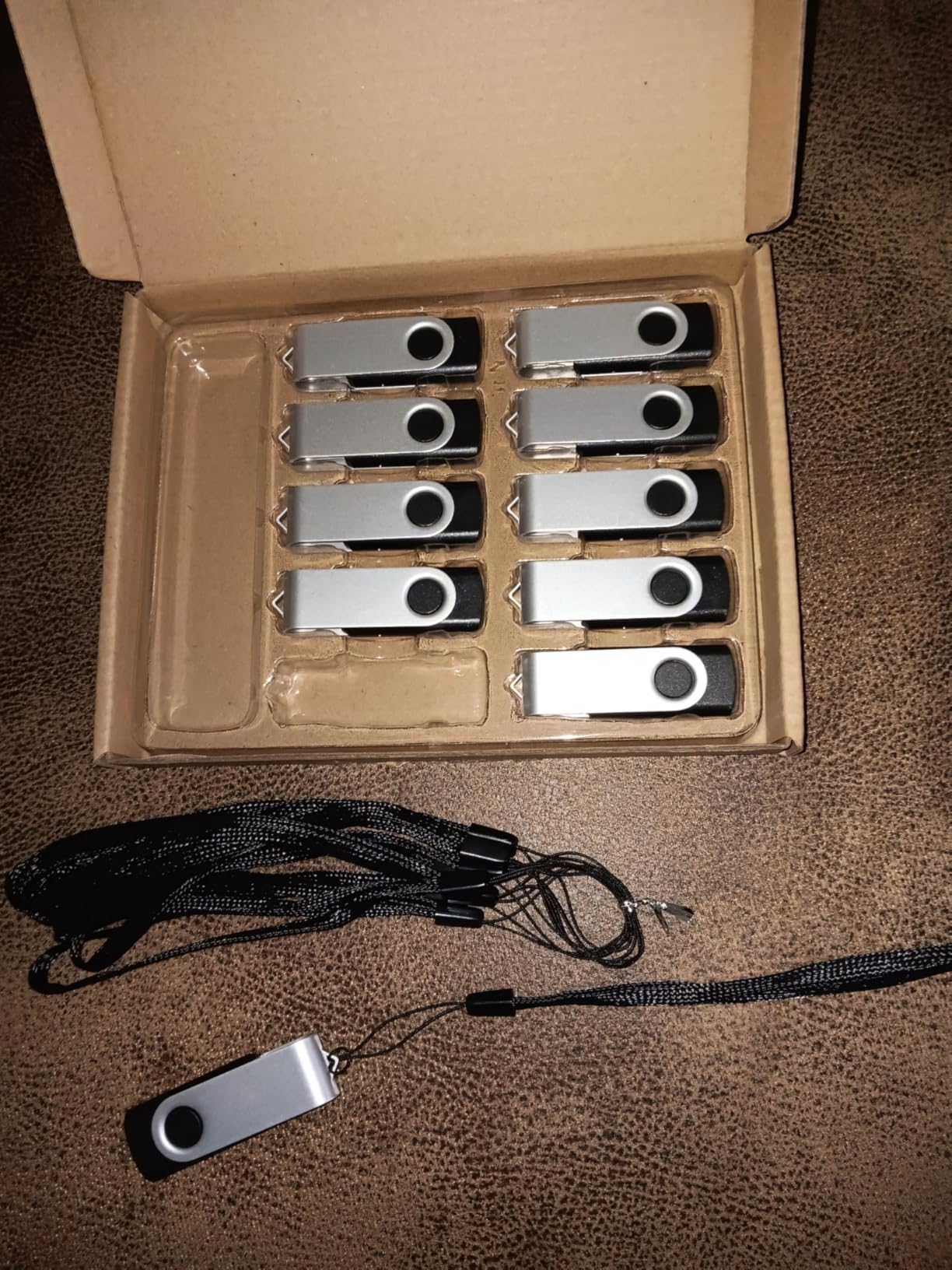
Reads are listed at up to 80MB/s and writes at up to 20MB/s, which is more than enough to stream a finished film from the stick and slow enough that you should not try to fill it with raw camera footage.
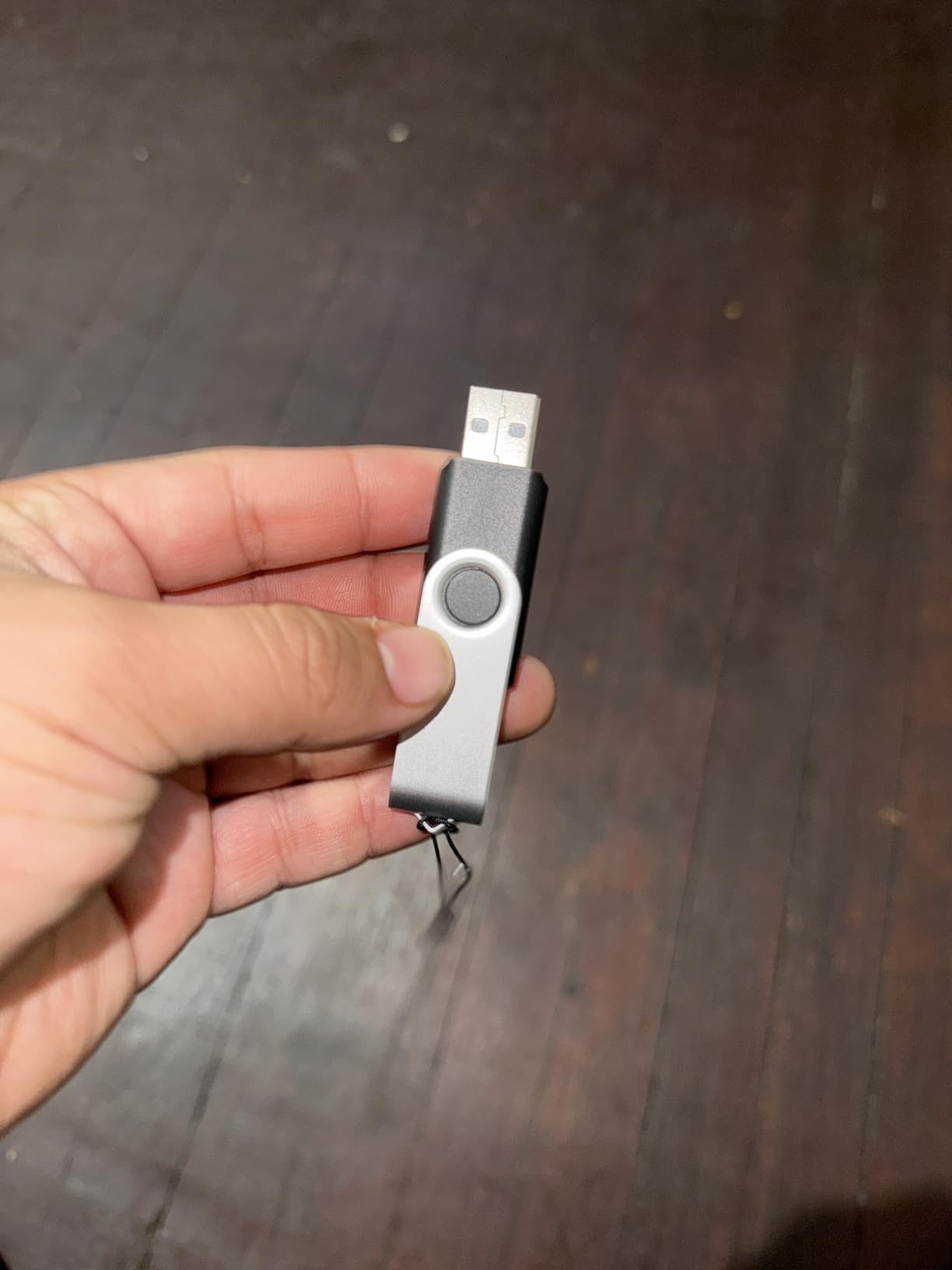
Bulk buyers in schools, offices and at events are the main customers, and the 2.27 inch swivel body with a keyhole is built for being passed around rather than kept at a desk.
Where the MECHEER makes sense
Any device that is not a computer. Streaming media to a television, taking music to a car, handing a folder to someone in a meeting, and printing from a USB-enabled printer all fall into this category.
Because it is plug and play with no software installation, it also suits anyone who is not technical or who is setting up equipment for someone else.
Where it is the wrong choice
A 1-year manufacturer warranty on a lesser-known brand is a thinner safety net than the five-year cover on the SanDisk, Kingston and Samsung drives. If the drive holds something you cannot lose, that matters.
Write speed of up to 20MB/s is the real limit. Copying a large folder to a TV stick and waiting is a common experience, and it is what this drive is built to do rather than to do quickly.
12. Kingston DataTraveler Exodia 128GB – the budget route to a 128GB keyring drive

Kingston DataTraveler Exodia 128GB USB 3.2 Flash Drive DTX/128GB,Black
128GB capacity
USB 3.2 Gen 1
Large keyring loop
Protective cap
5-year warranty
Pros
- 128GB at one of the lowest costs here
- USB 3.2 Gen 1 for documents music and video
- Large loop for a key ring
- Five-year warranty
Cons
- The lowest rating in this roundup at 4.4
- Real-world speeds trail the premium drives
- Plastic body is less durable than metal
When the brief is simply a 128GB drive with a USB 3.2 Gen 1 interface and a warranty that outlasts most of its rivals, this is one of the more affordable ways to get it. The Exodia is officially supported on ChromeOS, Linux, Mac OS and Windows, so the compatibility list is not a guess.
The large loop is genuinely large, which means it takes a key ring properly rather than needing a split ring and a bit of tape. For a drive that lives on a bag or a lanyard, that is the detail that decides whether you keep carrying it.
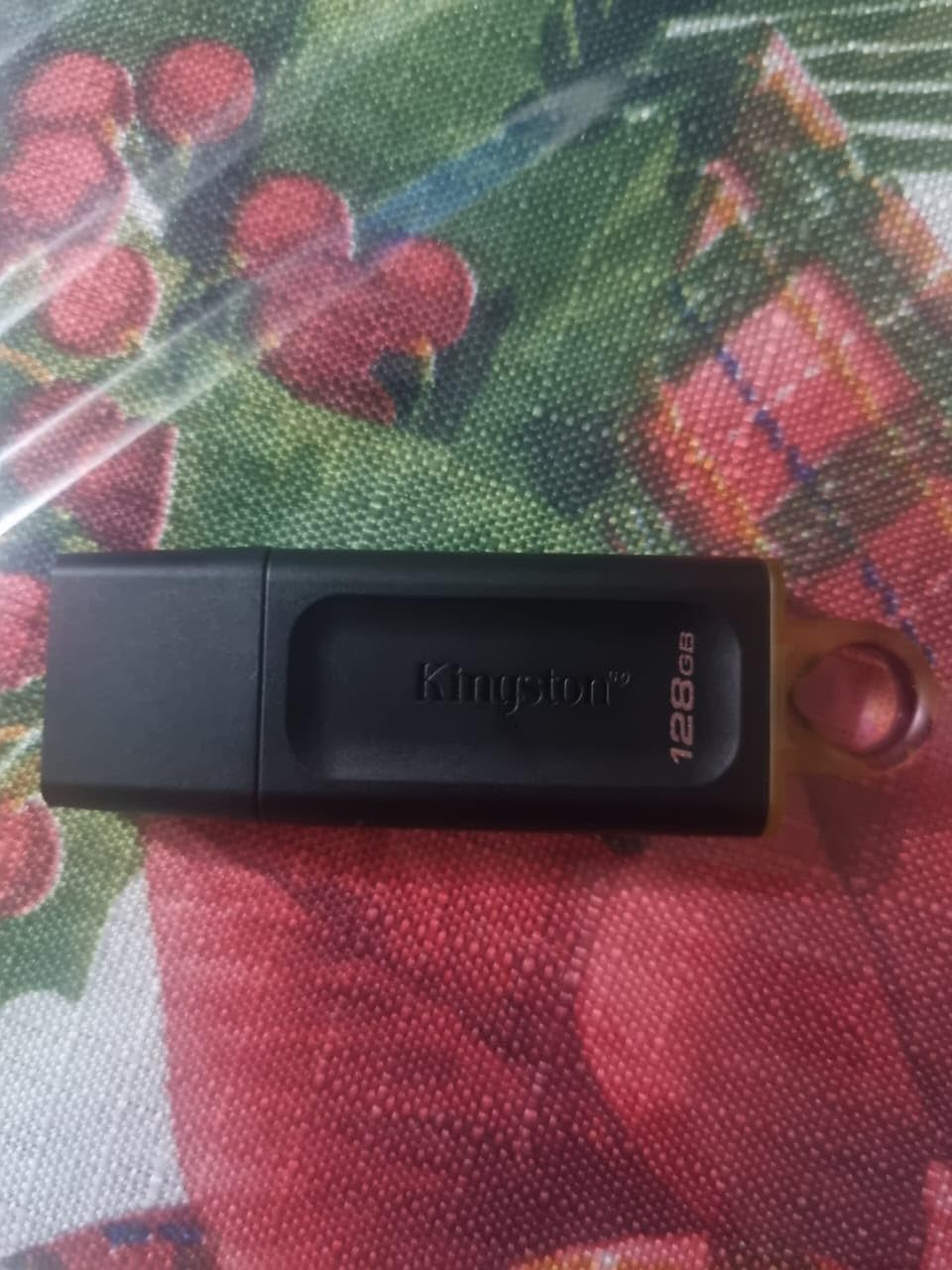
The practical cap protects the plug, which matters more than it sounds given this drive’s likely life in a pocket. Capacities run up to 256GB in the same line, so the size is not a one-off.
Reviewers treat it as a value purchase and are candid about the trade-off. The rating spread is wider than for the SanDisk and Samsung drives, and some owners report speeds below what they expected.
Where the Exodia is the sensible buy
General carry, presentations, a course’s worth of reading material, and music for a trip. It covers the everyday cases at a cost that does not need justifying.
It also works as a companion drive rather than a primary one. A large 128GB drive you hand around for documents, backed up elsewhere for anything you cannot lose.
Where it falls behind
At 4.4 average with 8% one-star reviews, it is the least consistent performer in the roundup, and some of that comes down to speed expectations rather than outright failure.
The plastic body is also less durable than the metal-cased options here, so it is a poor choice for a drive that will live in a car, a workshop or a bag that gets thrown around.
How to check whether a flash drive is faking its capacity
Counterfeit capacity is the oldest problem in this category. A cheap drive can be a small amount of real memory with a controller that lies about the rest, so a 1TB label writes 64GB of real data, overwrites the beginning and reports success. Two of the most common questions on this topic are simply whether 1TB and 2TB drives are real, and the honest answer is that they exist and are genuine from established brands, while fakes exist mostly from unknown sellers and unknown brands.
The most commonly cited fear in tech communities is buying a high-capacity drive from a marketplace listing with no warranty and no real brand behind it. Forum discussions in r/DataHoarder describe ordering one drive and receiving several, alongside duplicate charges, which is a different problem but shares the same root cause: an unverifiable seller.
Buy from a named brand with a real warranty. A five-year or limited lifetime warranty is a promise a counterfeit operation cannot afford to honour. Every drive on our list above carries at least one year.
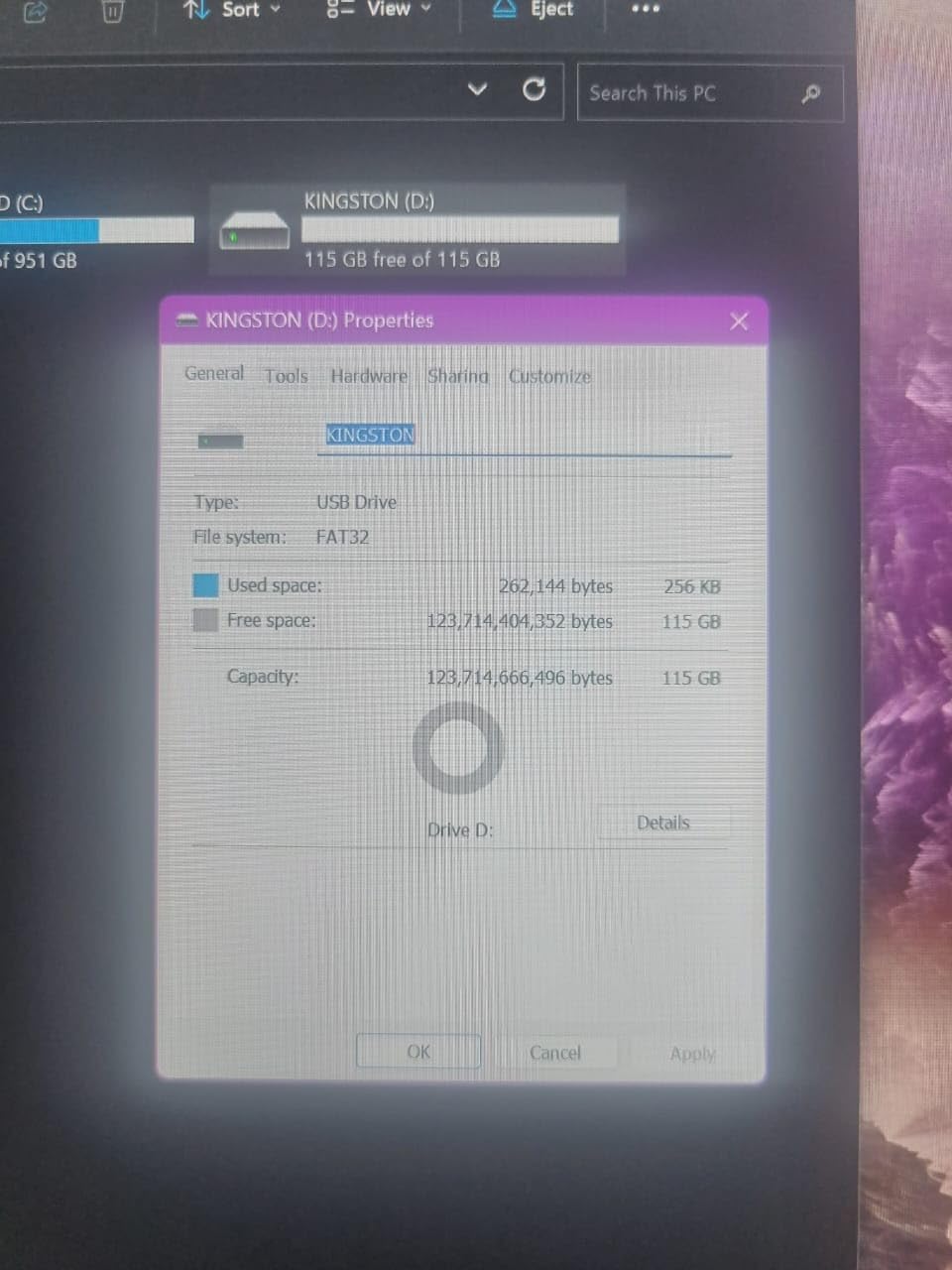
Check the reported free space on first plug-in. A 128GB drive will show roughly 115-119GB available. If Windows or macOS reports dramatically more than the label, something is wrong.
Run a capacity test with free software. On Windows, h2testw writes a known pattern to every sector and reads it back, then compares the result with the claimed size. On macOS, Disk Utility can run a similar verification, and F3 does the same job on Linux.
Write more than the drive claims, not less. Fill it completely with files and verify them. A fake drive fails at roughly its real capacity, which is often the point at which a file you need disappears.
Test before you rely on it. Fill it, eject it, plug it back in and open three random files. Do this before a single important file goes near it.
Treat a suspiciously cheap large capacity as a warning. The economics of real high-capacity NAND do not allow a 1TB drive to sell for a fraction of the cost of a 128GB one from a brand you know.
One reviewer in our list verified a dual-connector drive with H2testw and got a pass, and the Lexar D40E’s capacity came back correct in that test. That is the standard we would want every drive on this list held to, and it takes an afternoon on a free tool.
What USB 3.2 Gen 1 vs Gen 2 means for your transfers
USB 3.2 Gen 1 runs at 5 Gbps theoretical and USB 3.2 Gen 2 at 10 Gbps. Both figures are protocol limits rather than real throughput, and a thumb drive rarely approaches either. What the generation tells you is whether the host port and the drive are the bottleneck or the storage itself is.
In practical terms, a 5 Gbps port tops out around 380-400MB/s with overhead, and a 10 Gbps port around 700-900MB/s. Most flash drives sit far below both, so on a Gen 1 port a 400MB/s drive runs at the port ceiling rather than its own ceiling. On a Gen 2 port with a slower drive, the drive is the limit either way.
Simple arithmetic on the speeds listed by manufacturers gives a rough sense of copy time: writing at 30MB/s moves a 10GB file in about six minutes, while writing at 200MB/s does it in under a minute. Those are manufacturer figures used for scale, not our own measurements, so treat them as a shape rather than a promise.
The practical takeaway is simpler. Buying a Gen 2 drive when your laptop only has Gen 1 ports buys you nothing, and buying a Gen 1 drive for a machine with Gen 2 ports simply means you never see the extra headroom. Match the drive to the slowest port you actually use.
How to move files onto a thumb drive and eject it safely
On Windows, plug the drive in, open File Explorer, find the drive letter in the sidebar, and drag your files across or use copy and paste. When the copy finishes, click the drive in the sidebar, then use the eject icon in the notification area. Wait for the message confirming it is safe to remove the hardware before you pull it out.
On a Mac, the same idea with different labels. The drive appears on the desktop or in the sidebar under Locations, you drag the files across, then click the eject icon beside the drive name in the Finder sidebar or on the desktop.
Files corrupt most often when a drive is pulled while the operating system is still flushing data to it. Long transfers and slow drives make that window much wider, which is why a USB 2.0 drive with a 4GB file in progress is a genuine risk rather than a theoretical one.
On a phone with USB-C, connect the drive with a USB-C to USB-A adapter or use a dual-connector drive, then look for the file transfer option in the notification shade. On iPhones with a Lightning port, no USB flash drive will connect directly at all; the phone needs a compatible camera kit or a specific dual-purpose accessory.
On the file system, exFAT is the right default when files cross between Windows and Mac. NTFS is more robust on Windows but macOS can only read it, and FAT32 works everywhere but refuses any single file over 4GB. A drive shipped as FAT32, like the Amazon Basics 128GB above, will need reformatting before a large file will copy.
Which capacity you actually need
Match the capacity to the workload rather than to the price. Documents, spreadsheets and email attachments fit comfortably in 32GB. A full RAW photo shoot or a season of video will want 128GB or more. A system image or a large project archive should be measured first, because formatted capacity is always lower than the label.
A 128GB drive shows roughly 115-119GB once formatted, and a 64GB drive shows a little under 60GB. Budgeting for the usable figure rather than the printed one prevents the most common disappointment in this category, which is buying 64GB and finding there is not room for the folder you wanted.
If the drive is a daily carry rather than a shuttle, smaller is genuinely better. A 32GB drive that is always full and replaced costs more over a year than a larger one that sits in a drawer, and it is far less likely to be lost in a bag.
For anything you cannot afford to lose, keep a second copy. Our guide to external hard drives for backups covers the larger-capacity side of that, and the two-device setup in the PNY 2-Pack above is the cheapest version of the same idea.
Brands worth trusting, and brands to skip
The brands with the longest track records on this list are SanDisk, Kingston, Transcend and Samsung, and the reason is warranty length rather than marketing. Five-year and limited lifetime cover are only offered by companies that expect the drives to work, and the TrueNAS community recommendations consistently name SanDisk Cruzer and Transcend JetFlash drives for the same reason.
Lexar, PNY and Amazon Basics sit in the middle. They are real manufacturers with real warranties, they perform adequately for the class, and several of the drives here hold up well under user benchmarking.
The risk zone is the unbranded marketplace listing with a capacity that is too cheap to be true and a seller with no warranty. The tell is simple: no model number, no manufacturer listed, and a discount so large it makes no sense. A r/techsupport thread asking for a USB 3.0 recommendation is a good example of the wider pattern, where buyers come to the community specifically because marketplace listings cannot be trusted.
One more warning that is easy to miss: a drive with no stated write speed has not been tested properly by its manufacturer, and that is usually a sign you are looking at a rebadged component rather than a designed product.
When a thumb drive is the wrong tool
For sustained large transfers, an external SSD beats any flash drive in this roundup, and the gap is not marginal. Users on the DPReview forums report copying about 1GB of mixed files onto a Samsung portable SSD and verifying it in three to seven seconds using FreeFileSync, a workflow that would take far longer on a thumb drive.
That difference only disappears if you are moving a handful of files at a time. A flash drive still wins on size, cost, and the fact that it needs no power and no cable, so for passing a folder to a colleague it remains the right answer.
Other cases have better tools too. For ongoing backup of a laptop, an external drive or network storage is more appropriate than something you remember to plug in; our guide to external hard drives for backups covers that side of the decision. For sharing a large archive with someone who has internet, a link avoids the courier problem entirely. For moving data between two machines you control, a direct cable connection skips the intermediate device completely.
For video work, an external SSD is the standard answer because camera files are large and continuous. For files you need to hand to someone in the room, a thumb drive is still the most reliable object you can put in an envelope.
Frequently Asked Questions
Is there a difference between a flash drive and a thumb drive?
No, they are the same device. A flash drive describes the NAND memory and controller inside, a thumb drive describes its size and shape, and USB stick and pen drive are the same object under different names. Retailers and brands use all four on the same listings, so the terms are interchangeable when you are searching.
Who makes the most reliable USB thumb drives?
SanDisk, Kingston and Transcend have the longest records on this list, and the clearest signal is warranty length rather than speed claims. Five-year and limited lifetime cover are only offered by companies that expect the drive to work. Community recommendations in tech forums consistently name SanDisk Cruzer and Transcend JetFlash drives for exactly that reason.
How do I transfer files from my computer to a thumb drive?
On Windows, open File Explorer, click the drive in the sidebar and drag your files across, then use the eject icon in the notification area and wait for the confirmation before removing it. On a Mac, open the drive in the Finder sidebar, drag the files over, then click the eject icon beside the drive name. Pulling the drive out before the system confirms the eject is the main cause of corrupted files.
Are 1TB and 2TB flash drives real?
Yes, when they come from an established brand with a real warranty. Counterfeit drives do exist, and they typically claim a large capacity while containing far less real memory, overwriting the beginning as you write. Check the reported free space on first plug-in, then run h2testw on Windows, Disk Utility on macOS or F3 on Linux to confirm the capacity is genuine before you rely on the drive.
What are the security risks of using USB flash drives?
The main risk is a drive you did not insert. Found or borrowed drives can be modified to run code automatically when a Windows machine mounts them, and a lost unencrypted drive exposes everything on it to whoever picks it up. Use a drive with hardware or AES encryption for sensitive data, lock it before you hand it over, and never plug an unknown drive into a machine holding important files.
What is replacing thumb drives?
External SSDs have taken over the large-transfer job, with users reporting roughly 1GB copied and verified in three to seven seconds on a portable SSD against a thumb drive. Cloud links take over file sharing, and direct cables take over moving data between two of your own machines. Thumb drives remain the best answer for handing files to someone in the room because they need no power, no cable and no account.
Conclusion
For most people, the SanDisk Ultra Flair 128GB is the right answer to the question of the best thumb drives for file transfers. It balances capacity, metal build and transfer speed at a size that disappears into a pocket, and its review history is long enough to trust.
If your files are large video, the Samsung BAR Plus 128GB writes at a speed nothing else here matches. If you want one dependable drive for an office that gets used every day, the Kingston DataTraveler 100 G3 with its five-year warranty is the sturdier bet. And for reaching a USB-C phone or a modern laptop without an adapter, the dual-connector drives are the only category that solves the problem outright.
Check the connector first, the write speed second and the warranty third, and check the drive’s real capacity before you fill it. That order gets the right drive the first time, and if your files outgrow 128GB entirely, our guide to external hard drives for backups is the sensible next step.